
Organize a small event draw

Raffle Winner PickerEvery prize. A clear record.

Paste your entrants, arrange prizes in the order you will announce them, and draw one prize round at a time. Keep the winning entry and timestamp together.

Multiple prizes · Optional repeat wins · Local processing

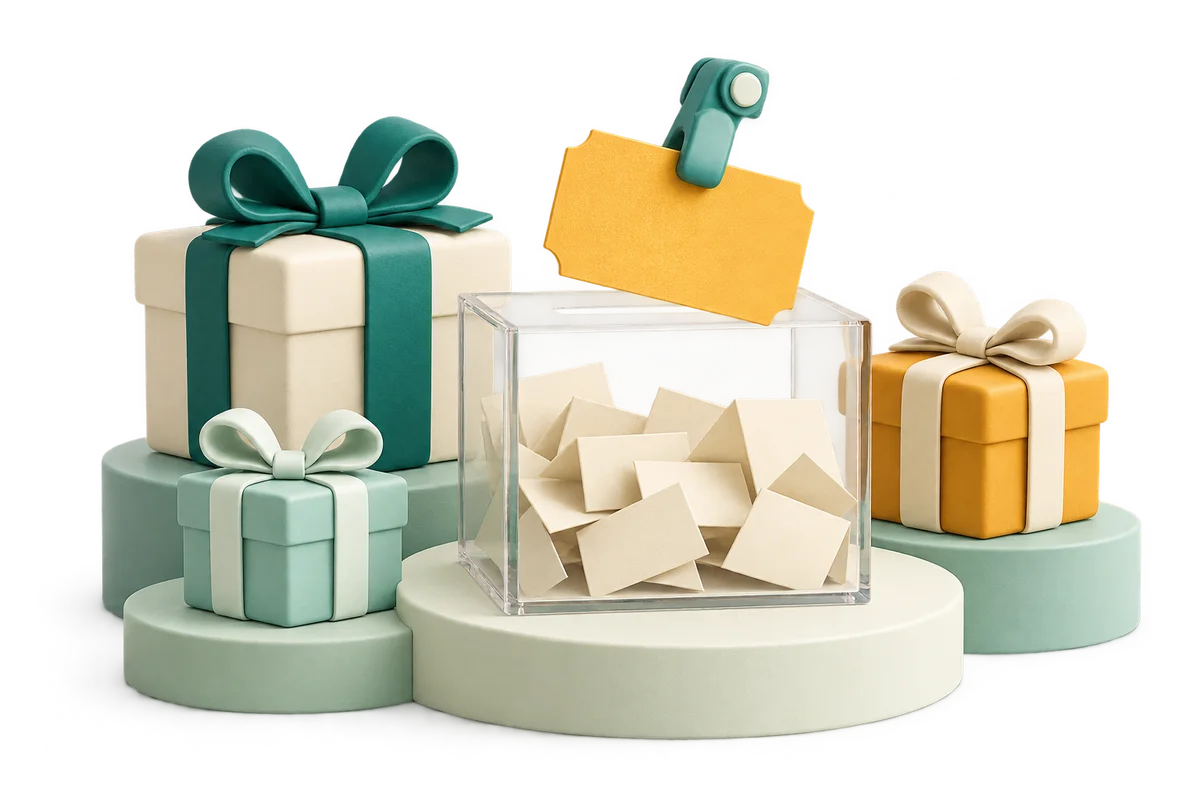
A clear raffle box with a lifted amber ticket and three wrapped gifts on stepped mint podiums

Prepare the entrants and prizes

Try six sample entrants with two prize rounds, then replace them with your own event details.

Event entrants

Up to 5,000 entries, 120 characters each, 200,000 characters total. Edits clear current awards.

Prizes in announcement order

Up to 20 prize rows and 500 total awards. Edits clear current results.

6
Entries
6
Eligible
0
Awarded

Off: each entry wins at most once across all prizes. On: the same entry can win repeatedly, including within one prize.

Next prize: Welcome gift (2)

Manual snapshot: save again after new draws. Restores on the next visit in this browser; it does not sync. Use one active tab. Reset and edits do not delete the saved snapshot.

The two-prize sample is ready.

Prize winners

Completed prize rounds will appear here.

No entries or awards are uploaded. Local saving is optional. The record uses your device clock and is not an audited or tamper-proof drawing.

A prize draw with an organized summary

Set the rules before announcing the first winner.

Draw prizes in your chosen order

A raffle winner picker helps a host connect each selected entry to a specific prize. Arrange the prize rows before the event: for example, two welcome gifts followed by one main prize. Each click completes the next prize row and selects the requested number of entries together. The summary retains the prize name, original entry number, and drawing time, so you can read the result aloud without reconstructing which person won which item.

An event host displays a winning ticket beside gift parcels and a clear raffle box while adults applaud

Keep the event record in one place

The running summary includes every completed prize round in this event. Copy the whole summary, download a CSV for your event notes, or print a plain record. Save event on this browser stores a snapshot only when you press it; later changes are not saved automatically. On a shared device, remove the saved event when finished. The timestamps come from your device clock and the record remains editable local data, with no certification or tamper-proof audit claim.

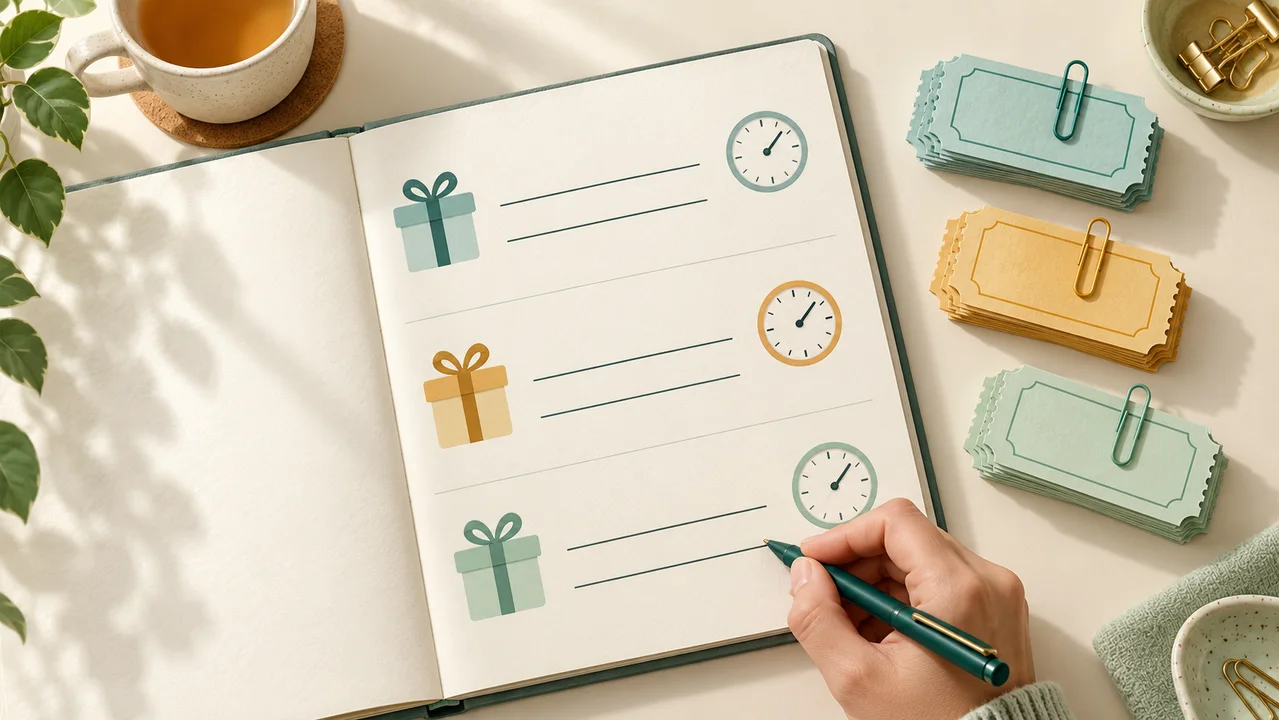
An organizer writes in a prize ledger beside three stacks of clipped ticket stubs and small clock symbols

How to pick raffle winners

Prepare entries, define prizes, then announce each round.

  1. 01

    Paste or import the entrant list

    Use one eligible entry per line, or choose commas, semicolons, or tabs as the separator. A TXT import replaces the current list using the selected separator. Blank entries are ignored and outer whitespace is removed. Up to 5,000 entries are supported, with 120 characters per entry and 200,000 characters overall. Review the list before drawing: the tool does not check attendance, purchases, social media comments, or whether a person meets your event rules.

  2. 02

    Arrange prizes and the repeat rule

    Add up to twenty prize rows, in the exact announcement order you want. Give each row a recognizable name and a quantity from one to five hundred; the event may award at most five hundred slots overall. Leave repeat wins disabled to exclude each winning entry from all remaining slots. Enable repeat wins only when your announced rules allow an entry to win again, including more than once within a single prize round.

  3. 03

    Draw, review, and keep the record

    Press Draw next prize to complete that row. Check the result and announce the matching prize before continuing. If too few eligible entries remain, the entire round is blocked and no partial result is recorded. Copy, print, or export completed results whenever useful. Save again after the final round if you want the latest local snapshot. Reset draw clears current results while keeping entrants and prize settings; it does not delete a previously saved snapshot.

Rules you can explain to participants

Entry identity matters throughout the event.

No repeats across prize rounds

With repeat wins off, a selected entry is removed from later draws in this event. Each remaining entry has the same chance for the next slot. The rule spans every prize row, rather than resetting when the host moves to another prize. Resetting the draw starts a new event history and makes all original entries eligible again.

Matching names stay separate

Two identical names are preserved as two entry identities. That can represent two different people or two tickets owned by one person, but the tool cannot infer which. No-repeat selection excludes only the winning entry ID. If your rule is one prize per person, use one uniquely labeled row per person and remove accidental duplicate rows before starting.

Browser-based records and exports

Drawing runs locally with the browser’s cryptographic random source and rejection sampling. No entrant list or result is uploaded by this tool. A saved snapshot belongs to this browser and origin; it does not sync to another device. Clearing site data removes it. Keep a downloaded copy when the record must survive browser cleanup or computer replacement.

Example: three gifts, six entrants

An example shows the structure, not a predicted random outcome.

  1. 01

    Prepare two rounds

    Enter Alex, Blair, Casey, Devon, Emery, and Finley on separate lines. Set Welcome gift to quantity two and Main prize to quantity one. Leave repeat wins disabled. Before the first round, six entries are eligible. One possible first result is Blair and Emery, each labeled with Welcome gift and the time of that round. Your actual results can be different.

  2. 02

    Continue from the remaining pool

    After that example first round, four entries remain eligible. The main-prize round draws one of those four, such as Casey. The completed summary has three award rows and two drawing timestamps, because the two welcome winners were drawn together. If repeat wins had been enabled instead, all six entries would remain eligible for every slot, and Blair could receive more than one gift.

Prepare for the actual occasion

Make the event rules clear and save only the information you need.

  1. 01

    A workshop or employee gathering

    Collect a final eligible list before opening the draw. Announce the prize order and whether repeat wins are allowed before showing results. Use short identifiers instead of extra personal details, especially when projecting the screen. The tool does not notify winners or verify claims. The host remains responsible for checking an entry against the event roster and handing over the matching prize.

  2. 02

    A clear response when a round is blocked

    Suppose two entries remain eligible but the next prize requires three winners without replacement. The tool explains that there are not enough entries and leaves earlier rounds intact. You can copy the existing summary first. Editing a prize quantity, list, separator, or repeat setting clears current results, so the interface cannot silently combine awards produced under different rules. Any saved snapshot remains the last explicit save.

  3. 03

    Choose the tool that matches the task

    For one quick equal-chance choice without prize management, use Random Name Picker. For unequal option probabilities, use Weighted Random Picker. This event tool does not import social profiles, sell tickets, manage prize stock, verify eligibility, or provide an independent audit service. It is intended for straightforward small event drawings; a browser result alone does not establish that a promotion meets its applicable rules.

Raffle drawing questions

Practical answers before the first prize is announced.

How do I pick multiple raffle winners?

Create a prize row and set its quantity to the number of award slots. Draw next prize selects all of that row’s winners together. Add more prize rows for later rounds. The limit is twenty prize rows and five hundred total slots. Completed rounds stay together in the summary, even when only part of the event has been drawn.

Can I prevent duplicate winners across different prizes?

Yes. Leave Allow repeat wins unchecked. A winning entry is excluded from all remaining prize rows until you reset or change the configuration. This is entry-based exclusion, so identical names on separate rows can still both win. For one prize per person, prepare one uniquely identified entry per person before drawing.

Can the same entry win twice in one prize round?

Only with repeat wins enabled. That setting uses replacement for every award slot, including slots in the same prize row. With it disabled, an entry can win at most one slot in the whole current event. Choose the rule beforehand, because changing it clears current results rather than changing the meaning of an existing record.

What happens when there are fewer entrants than prizes?

Without replacement, each round needs enough entries remaining to satisfy its full quantity. Otherwise the round is rejected without recording partial winners. Previous rounds remain visible. You may export those records, revise the event rules, and start again. With replacement enabled, one eligible entry can fill multiple award slots, so repeats are possible rather than automatically suppressed.

How do I keep the winner list after refreshing?

Press Save event on this browser after the rounds you want to keep. The next visit restores that snapshot on this browser, including entrants, prizes, rule, and results. Saving is manual; new draws do not update an older snapshot. Copy or export your final summary as a separate backup. Delete saved event removes the stored snapshot without clearing the active page.

Are the timestamps an audited proof of the draw?

No. They record the device clock in ISO format with a UTC Z suffix. They can help organize your notes, but the browser clock, local storage, and exported files can be changed. The picker does not provide certified randomness, a signed audit trail, identity verification, or compliance certification. Do not present a local summary as independent proof.

Can I import tickets or names from a text file?

Yes. Choose the separator first, then import a UTF-8 TXT file up to 200,000 bytes. The file replaces the list and clears current awards. Empty entries are ignored, while matching names remain separate. A spreadsheet header would become an entry, so remove headers and unwanted columns before importing. Use a unique participant label when duplicate names could cause confusion.

Is my entrant list private on a shared computer?

The tool does not upload entries or award records. They stay in the active page unless you explicitly save a local snapshot or export them. A snapshot can be opened by someone using the same browser profile. Delete it after a shared-device event and handle downloaded or printed lists separately. A link to this page contains no entrant data or results.

Raffle Winner Picker

Get the next prize ready

Prepare eligible entries and agree on repeat wins.

Draw each prize in order, then keep the complete summary.

  • Free to use
  • No signup
  • Runs in your browser

A simple path to your next activity

  1. Add entrants

    Review a uniquely labeled list.

  2. Set prizes

    Choose the order and number of winners.

  3. Draw and save

    Announce each round and keep the summary.

Local records are editable event notes, without audit certification.