

Give every presenter a place in the agenda

Random Presentation Order GeneratorShuffle the speakers. Plan the time.

Randomize a complete presenter list, calculate planned time slots, and follow the running order with a simple host progress control.

Individual durations · Planned time slots · Manual host progress

Three presenters approach an ivory lectern beside an amber clock and a strip of blank agenda slots

Who is presenting, and how long do they need?

Use a shared default or add a duration beside each name. The sample starts at 09:00 with a one-minute transition.

Presenters and optional durations

One presenter per line, such as Alex | 3. A tab or final comma also separates minutes. Missing duration uses the default. Up to 200 entries, 120 characters per name, 30,000 input characters.

Matching names keep separate entry IDs. Any input edit clears the old agenda and completion progress.

UTF-8 TXT up to 120,000 bytes, using the same line format with optional minutes. Import replaces presenters and clears old results.

3
Presenters
0
Completed
—
Agenda minutes

Individual/default duration: 0.1–180 min. Gap: 0–30 min. At most one decimal place. Start uses a 24-hour clock; gaps occur only between speakers.

Three-speaker sample ready, starting at 09:00 with one-minute gaps.

Speaking order and planned times

Generate to see the full order, planned slots and current presenter.

Names, durations, agenda and progress stay in this page. They are not uploaded or saved. Copy, download or print before refreshing or leaving.

One speaking order with a useful time plan

Prepare the agenda, then keep the host’s place during the event.

Shuffle people while keeping their durations attached

A random presentation order generator gives everyone one numbered position, then builds the time plan around that sequence. A participant with a three-minute presentation keeps that duration wherever the shuffle places them. A line without a duration uses your shared default. The result shows each planned start and end, so a host can see the whole agenda rather than only the name of the next speaker. Use individual names or group names, depending on who takes one speaking slot.

A presenter speaks at a lectern while two later speakers wait beside an agenda board and a seated audience

Advance the current speaker without reshuffling

Once the agenda is set, the host can mark the current presentation complete and move to the next person. Completed, current, and waiting labels are written in the output rather than communicated only through color. Undo moves back one completion, while Reset progress returns to the first speaker without changing the order or times. These controls are manual tracking; they do not measure elapsed speaking time or automatically rewrite the agenda when someone runs late.

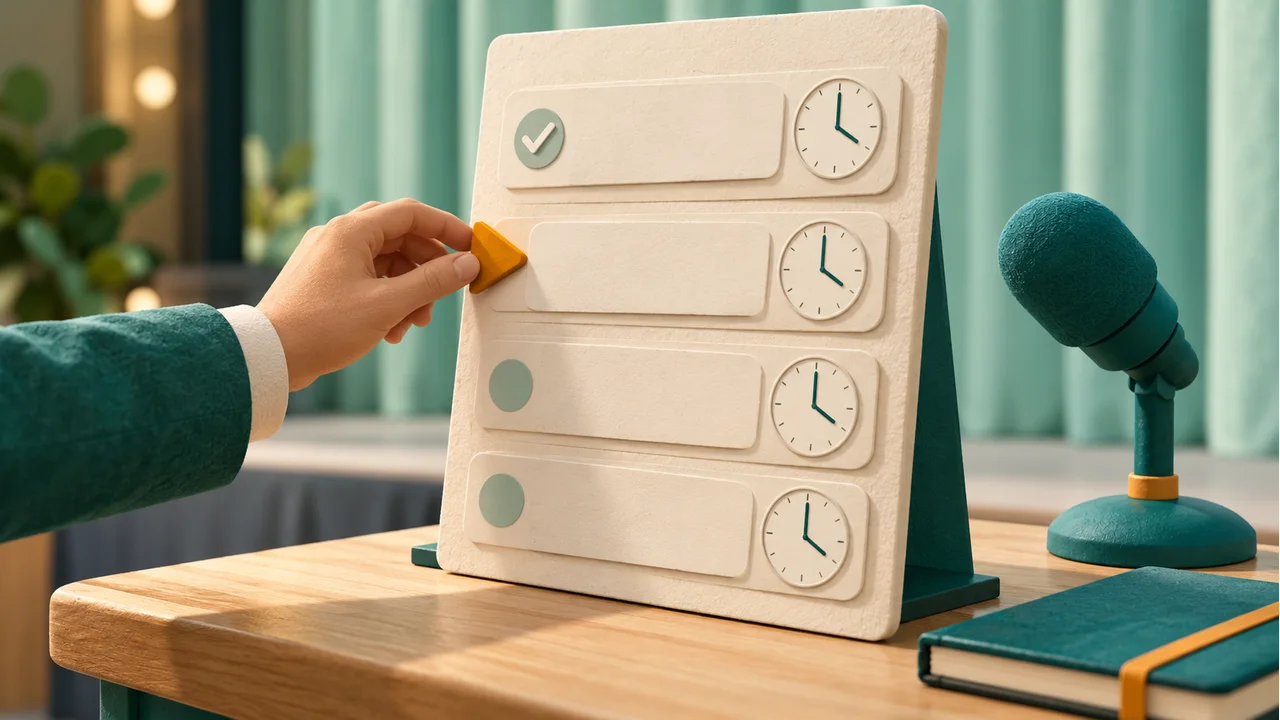
A host moves an amber pointer down a physical running-order board with a completed check and blank speaker strips

How to randomize presentation order and plan slots

Check the list and timing before you publish the order.

  1. 01

    Enter presenters and optional minutes

    Use one presenter per line. You can add a pipe, tab, or final comma and an individual duration, such as Alex | 3. A name alone or a blank duration after the separator uses the default. Up to two hundred entries are supported, each name at most one hundred twenty characters, with thirty thousand input characters total. Blank lines are ignored. Matching names remain separate entries; add a group label or short identifier so the host can distinguish them.

  2. 02

    Set the start, default duration, and transitions

    Choose the planned start time using the twenty-four-hour time field. The default and individual durations may range from 0.1 to 180 minutes, with at most one decimal place. The transition gap may be zero to thirty minutes, also with one decimal place. The gap is added between presentations, not after the final speaker. Include introductions, questions, or setup time in your estimates if your event needs them; the tool does not add those activities automatically.

  3. 03

    Generate once, then follow the running order

    Press Generate timed order to create the full sequence and time slots. Check the planned finish before sharing. Use Complete current and move next as each presenter finishes, Undo last completion if needed, and Reset progress to restart tracking on the same agenda. Copy all slots, download CSV, or print the complete order. Editing the list or any timing setting clears the old agenda and progress because they belong to a different configuration.

Timing rules you can verify

A transparent plan for a class, meeting, or demo session.

One position for every entry

The browser uses a Fisher–Yates shuffle with secure random integers and rejection sampling. Each entry appears once in the complete order, including duplicate display names with different entry numbers. A fresh shuffle can repeat the previous order or place someone first again. There are no fixed first or last positions, seed sharing, history-based rotation rules, or hidden adjustments based on a person’s name.

Sequential slots and clear day offsets

The first slot starts at the entered time. Every later start is the previous end plus the transition gap, and the planned finish is the end of the last presentation. Decimal minutes are converted to exact whole seconds in six-second increments. If the plan crosses midnight, Day +1 and later day offsets make that visible. These are relative day offsets, without a calendar date, time-zone conversion, or daylight-saving adjustment.

A complete host record

The screen shows up to twenty-five slots per page to keep longer agendas manageable. Copy, CSV, and print include every slot, with its original entry ID, duration, planned times, and current completion status. Advancing across a page boundary moves the view to the current speaker. Changing the displayed page does not mark anyone complete. The tool does not send notifications or save the running order in browser storage.

Example: three speakers, twelve planned minutes

The shuffle changes the order, while the durations stay with the speakers.

  1. 01

    Prepare a short presentation round

    Enter Alex with three minutes, Blair with five, and Casey with two. Set the start to 09:00 and the gap to one minute. Their speaking time totals ten minutes. Two transitions add another two minutes, so the planned finish is 09:12 regardless of the random order. There is no third gap after the final presenter.

  2. 02

    Read one possible order

    If Blair is first, Casey second, and Alex third, the slots are 09:00–09:05, 09:06–09:08, and 09:09–09:12. After Blair finishes, mark the current presentation complete. Blair remains in position one with a completed label and Casey becomes current. The listed times stay fixed, even if Blair actually finished a little early or late; the progress control is not a live rescheduling system.

Use the plan in a real session

Set expectations before the draw and keep the host controls simple.

  1. 01

    Classroom reports or project demonstrations

    Use group names when a whole group presents in one slot. Check who is actually taking part before generating the order and make estimated durations comparable. Share the finished list so people know when to prepare. If attendance changes after publication, keep a copy of the existing agenda before deciding on a replacement plan. This version does not offer a skip queue or preserve completed slots while you edit the roster.

  2. 02

    Training meetings and short demo events

    Estimate transitions for switching laptops, changing slides, or welcoming a new speaker. Include question time in each duration if it belongs to that person’s slot. A zero gap is appropriate only when no changeover needs separate time. The finish time helps compare your plan with the available session, but there is no deadline enforcement, automatic timer, overtime alarm, or verification of actual start and end times.

  3. 03

    Use a simpler tool when time planning is unnecessary

    List Randomizer suits a complete shuffled order with no speaking agenda. Random Name Picker suits selecting one person while others remain unselected. This page adds per-presenter duration and host progress to a full random order. Entries, timing, and progress stay in the active tab. Refreshing or leaving discards the session, so copy or download the result before changing pages or closing a shared computer.

Presentation order questions

Practical answers about timing, progress, and complete exports.

How do I generate a random presentation order?

Enter every presenter or presenting group on a separate line, set the timing controls, and generate the timed order. The tool shuffles all entries once and gives each a numbered slot. Every entry is included exactly once. Review the planned finish, then copy or print the full agenda before the event so the order is clear to participants.

Can presenters have different speaking times?

Yes. Add a duration after the name using a pipe, tab, or final comma. Alex | 3 gives Alex three minutes wherever that entry appears. A row with no duration uses the default field. Durations must be 0.1 to 180 minutes with at most one decimal place. Zero, negative, nonnumeric, infinite, and overly precise values are rejected.

How are the planned start and finish times calculated?

The first start is your entered time. A speaker’s end is their start plus their duration. The next speaker starts after the chosen transition gap. The final end does not include an extra gap. Thus the agenda length is all speaking durations plus one gap for each transition, which is one fewer than the number of entries.

Do completion buttons change the order or the time slots?

No. Complete current and move next marks a prefix of the agenda completed and highlights the next entry. Undo reverses the last completion, and Reset progress starts tracking from the first slot again. Names, order, durations, and planned times stay unchanged. Editing the input or timing, by contrast, invalidates the agenda and resets its progress.

Is there a live timer or automatic overtime adjustment?

No. The displayed times are a plan, and completion is marked manually by the host. The page does not measure actual speaking duration, sound an alarm, or shift later slots when someone runs over. Use an external timer when you need elapsed-time enforcement, and decide how to handle delays before the session starts.

What happens if the agenda passes midnight?

The output adds Day +1, Day +2, or later offsets to the time of day. For example, a two-minute talk beginning at 23:59 ends at Day +1 00:01:00. No calendar date or time zone is selected, and daylight-saving changes are not modeled. A day offset simply means another twenty-four-hour block relative to the starting day.

Can I import and print a long speaker list?

Yes. Import a UTF-8 TXT file up to 120,000 bytes using the same one-speaker-per-line format and optional durations. The input limit remains two hundred entries and thirty thousand characters. Copy, CSV, and print contain the whole generated agenda, even when screen pagination shows only twenty-five rows. CSV includes completion status at the moment you export it.

Will the order be different every time, and is it saved?

A random order can repeat, especially with a short list. This tool does not track past first speakers or force a rotation. Names, durations, time settings, results, and progress are not uploaded or saved by the tool. Refreshing restores the sample rather than the last agenda. Keep a copied, downloaded, or printed record if you need it later.

Random Presentation Order Generator

Give the next session a clear running order

Enter presenters and realistic time estimates.

Shuffle once, review the agenda, and keep the host’s place.

  • Free to use
  • No signup
  • Runs in your browser

A simple path to your next activity

  1. List the presenters

    Add individual times or use a default.

  2. Check the agenda

    Review slots, gaps, and the planned finish.

  3. Host the session

    Mark completed speakers and keep a copy.

Times are planned estimates. Completion tracking is manual, without a live timer.