Try the sample event, then reset and enter your own prizes before the first spin.
Random Prize Wheel
Press Esc or use the exit button to return.
Prize inventory and next-draw odds
Available excludes every awarded item, including pending handoffs. Weight does not multiply stock.
1. Tote bag
Available: 3 / 3 · Next chance: 50%
Awarded: 0 · Handed out: 0 · Pending handoff: 0
2. Bottle
Available: 2 / 2 · Next chance: 33.333333%
Awarded: 0 · Handed out: 0 · Pending handoff: 0
3. Gift box
Available: 1 / 1 · Next chance: 16.666667%
Awarded: 0 · Handed out: 0 · Pending handoff: 0
This tool does not upload prize data or persist the event. Refreshing clears it; separate tabs do not share stock. Export before leaving.
Keep the wheel and the prize table together
A result reserves an item; a handoff completes the practical step.
Give every prize a name, a quantity and a weight
A random prize wheel is useful when you are choosing what a visitor receives at a small event table, team gathering or classroom reward activity. Each row represents a prize type with an initial quantity. A completed spin allocates one item of the selected type and reduces its available stock immediately. This page adds the inventory and handoff workflow that a basic name wheel does not have. The wheel uses row numbers, while the inventory summary connects those numbers to full names, remaining quantities and the probability of the next draw.
An award starts as pending handoff even though its item has already been removed from available stock. Confirm the handoff when the person actually receives it. If you mark delivery by mistake, undo that status without restoring the item to the wheel. This distinction prevents a prize that has already been promised from being selected again just because collection is delayed. The event history keeps every award, its time, its original draw probability and its delivery status. It is a local working record, not a proof of identity or an independently certified audit.
Set the rules before the first draw, then keep one event record.
01
Count stock and prepare the rows
Add up to twenty-four prize types. Each name can contain up to one hundred twenty characters. Stock and relative weight must be whole numbers from zero to one thousand, and the total initial stock cannot exceed ten thousand items. Remove the sample rows or replace their labels and values. A zero-stock row stays in the summary but is excluded from drawing. A zero-weight row is also excluded even when it has stock. Duplicate names are allowed as separate numbered rows, so use distinct labels if they represent different physical prizes.
02
Review the next-draw probabilities
For equal chances between available prize types, give each type a weight of one. For different chances, enter different relative weights. They do not need to add up to one hundred. The probability shown in the summary is the row weight divided by the sum of positive weights for in-stock rows. The wheel uses those same proportions for its sectors. Very narrow sectors may omit their number to avoid overlapping labels, but the summary still shows every prize and its probability. Review that summary before inviting the first participant.
03
Spin, reserve one item and confirm its handoff
Press Spin for a prize. The tool chooses a result using secure browser randomness and then animates to that sector; animation timing does not choose the winner. During the spin the setup and reset controls are locked. When the result appears, one item is deducted and a pending award is added exactly once. Confirm its handoff in the result or event history. After the first award, prize settings remain locked until the event is reset. This keeps one event tied to one initial stock list and one set of weights.
Probability and stock do different jobs
See what changes after an award and what remains fixed.
Stock limits quantity, weight controls the next choice
A prize with twenty available items does not automatically become twenty times as likely as a prize with one item. With equal weights, both types have equal next-draw chances while both are available. If you want a common item to be more likely, assign it a larger weight explicitly. Remaining stock is not multiplied into the weight. A small number of spins can differ considerably from the listed percentages, and a weight is not a promise that a particular fraction of the first few visitors will receive that prize.
Sold-out prizes leave the next draw
When a prize reaches zero stock, its probability becomes zero and the next spin rebuilds the wheel from the remaining eligible types. Their relative weights stay the same, but their percentages increase because the total eligible weight is smaller. The stopped wheel remains a snapshot of the completed draw so its pointer still explains that award. The summary always displays the next-draw probabilities. If no row has both stock and a positive weight, spinning is disabled even if some zero-weight stock remains in the inventory.
One local event, complete downloadable records
Download the award details as CSV for the serial number, UTC timestamp, prize ID, prize name, probability at the draw, stock after that award and current handoff status. Download a separate summary for initial stock, weights, awarded counts, delivered counts, pending handoffs and remaining stock. The summary includes prizes that never won and prizes excluded by zero weight. The history displays twenty records per page, newest first; both export files include all applicable rows. Copy award details also copies the complete detail CSV text, not only the current history page.
Example: tote bags, bottles and gift boxes
Three prize types make the difference between stock and odds visible.
01
Start with three, two and one
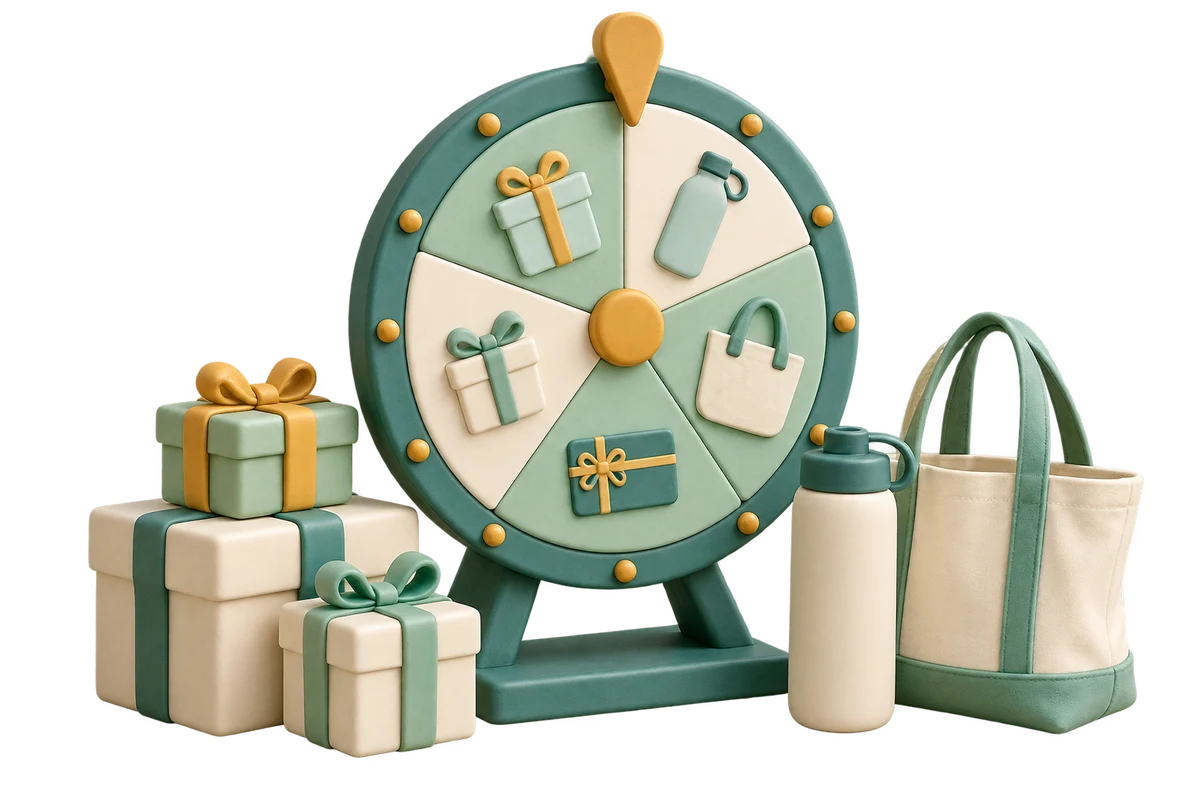
The sample has three tote bags with weight three, two bottles with weight two, and one gift box with weight one. Initially the next-draw probabilities are fifty percent, one third and one sixth. Suppose the gift box wins first. Its available quantity becomes zero and its award is pending handoff. On the next draw the remaining weights are three and two, so the tote bag chance becomes sixty percent and the bottle chance becomes forty percent. The previous gift-box record keeps its original one-in-six probability.
02
Finish the handoffs and reconcile the counts
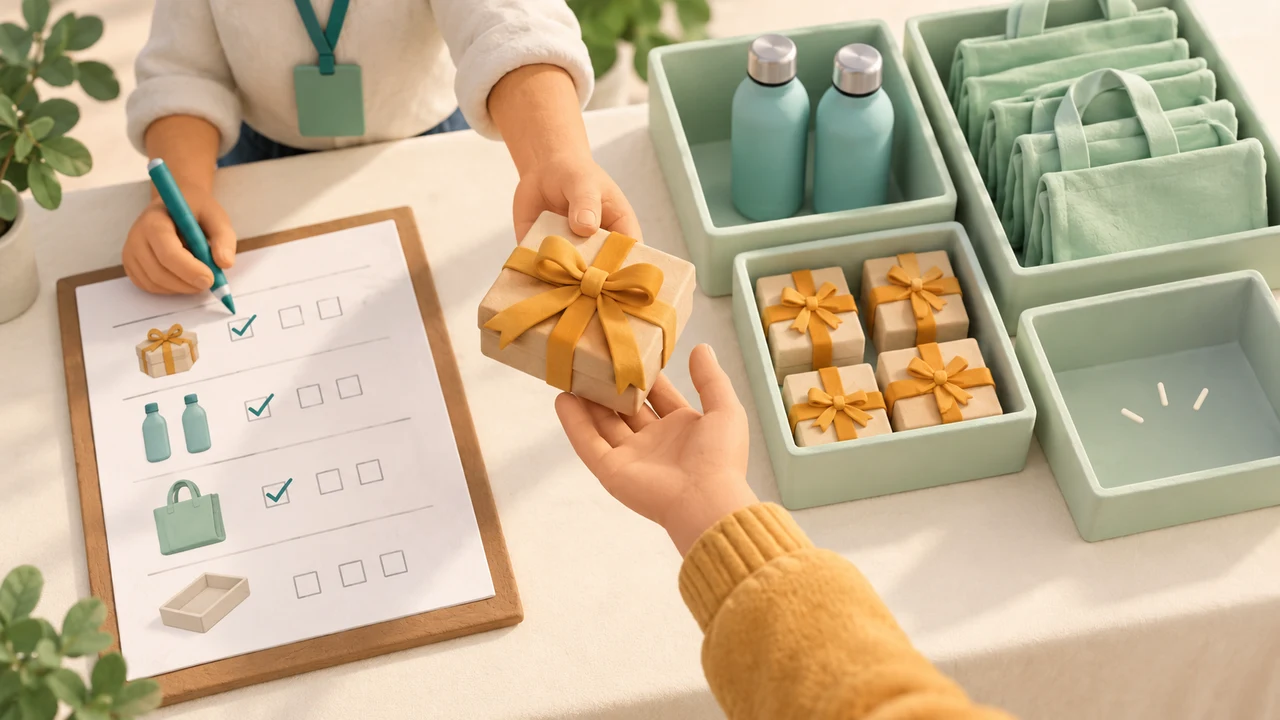
Continue until the six available items have been allocated. Every type is eventually exhausted if you keep drawing and all its weights are positive, but the sequence is unpredictable. Confirm each physical handoff and compare the summary against the items left on the table. Pending awards are already reserved, so the physical items you still hold may equal remaining stock plus pending handoffs. Export both reports before reset. Reset restores the configured initial quantities and clears all award records and handoff statuses; it does not undo any real-world prize delivery.
Plan the event around the visible rules
The wheel helps an organizer manage a small local giveaway.
01
Keep participation rules separate from prize selection
This tool chooses a prize type, not a participant. It does not collect names, verify eligibility, stop the same visitor returning, limit visits per person or issue redemption codes. Manage those steps separately if your activity needs them. Explain the relative weights and the effect of stock running out before people participate. A prize with a positive weight can be selected repeatedly while its stock lasts. If you need to draw people from a list, use the raffle or name tool instead of treating prize rows as participant records.
02
Use one device and save before leaving
Setup and award records stay in this browser tab without tool uploads or persistent storage. Reloading, closing the tab or opening the page elsewhere does not resume the event. Two devices have independent inventories and can promise the same physical item, so this page is not a shared stock service. Keep one operator in charge of the live list and save reports before clearing or refreshing. CSV files are reports rather than restore files: the page does not import them to recreate an earlier event.
03
Check the organizer’s requirements before a public giveaway
The page provides no payments, participant verification, legal-rule checks or certified fairness service. Organizers remain responsible for the rules that apply to their event and location. This is a practical prize allocation tool for ordinary activities, not a gambling platform. If settings need to change after an award, first export the current reports, reset the event, then enter the actual stock available for the new setup. Do not treat restored initial quantities as evidence that already delivered physical items have returned.
Prize wheel questions
Weights, stock, handoffs and event records.
Do the prize probabilities have to add up to 100?
No. Enter whole-number relative weights from 0 to 1000. Weights of 3 and 1 give the same proportions as 75 and 25 while both prize types remain eligible. The tool calculates the percentages from positive weights on in-stock rows. Equal weights give equal chances between prize types, regardless of their quantities.
Does having more stock make a prize more likely?
No. Stock limits how many items can be awarded; weight determines the next-draw chance. Ten mugs and one bottle with weight 1 each have equal chances while both are available. Change the weights before starting if that is not the distribution you intend. Stock is not automatically multiplied into probability.
What happens when a prize runs out?
Its next-draw probability becomes zero and it is removed from the next spin. Other eligible weights are normalized again. The stopped wheel still shows the draw that just finished, while the summary shows the updated probabilities. If every eligible type is exhausted, the spin button is disabled.
Why is stock deducted before I confirm the handoff?
The item is reserved when its award appears so the same unit cannot be promised again. Confirm handoff records physical delivery. Undoing that status marks the award pending again but does not put the item back into stock. Pending and delivered counts are both included in the inventory summary.
Can I change prizes or weights during the event?
After the first award, setup is locked. Export the current details and summary, then reset to edit the next event. Reset clears all records and restores the quantities currently written in the setup. Review those quantities against your actual remaining physical items before starting again.
Can the same person win more than once?
This page does not identify participants or maintain a visitor list. Each press selects a prize type only, so any per-person limit must be handled by the organizer. It also does not generate unique claim codes. The numbered award history helps track handoffs without claiming to verify who received them.
What can I export from the prize wheel?
Download full award details and a separate inventory summary as CSV. Details include time, prize identity, probability at the draw, remaining stock then and current delivery status. The summary includes every prize type, including zero-weight and never-selected rows. Copy uses the full detail CSV, independent of history pagination.
Will my event survive a refresh or sync to another device?
No. The tool keeps its state only in the current tab, with no persistent event storage or device synchronization. Export before refreshing, leaving or resetting. Downloaded reports cannot restore the live event automatically. Use one device for a physical stock pool to avoid conflicting promises.