Every guest, a table and a seat

Random Table SeatingGenerator

Plan dinner seating with different table capacities, reserved seats and clear guest rules. Check the complete arrangement before printing.

Free • Local processing • No account

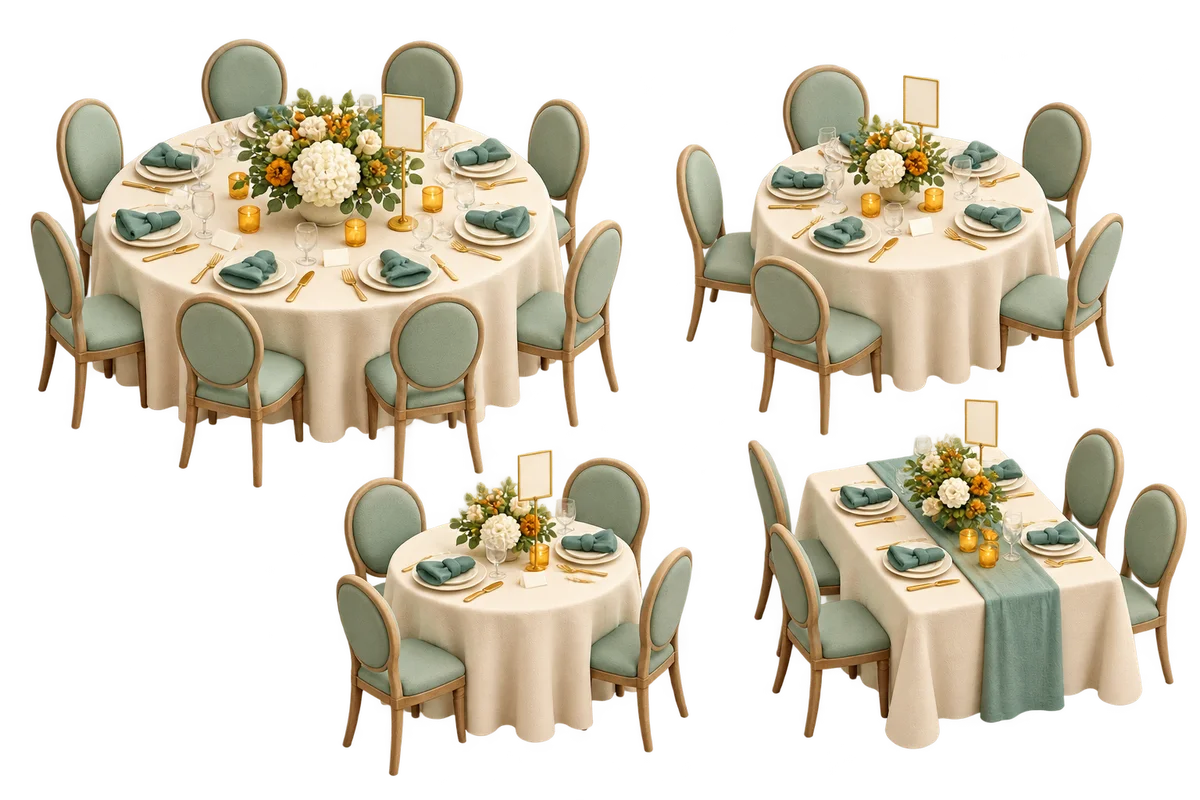
Three round banquet tables of different sizes and one long table with mint chairs, flowers and blank place cards

Assign guests to your actual tables

Set each capacity separately, then add only the rules your dinner needs.

Guests and tables

One per line. 1–60 guests, 120 characters per name, 10,000 input characters. Matching names keep separate IDs.

UTF-8 TXT, up to 40,000 bytes. Importing clears all rules and results.

Guest ID list
  • Guest 1: Alex
  • Guest 2: Blair
  • Guest 3: Casey
  • Guest 4: Drew
  • Guest 5: Emery
  • Guest 6: Finley
  • Guest 7: Gray
  • Guest 8: Harper

Tables and capacities

1–12 tables, 1–20 seats each, names up to 60 characters. Shape is a label, not a floor plan. Editing tables clears fixed seats.

Table 1
Table 2
Table 3

One guest ID, table number, seat number per line. Example: 1,2,3. Use commas.

Two guest IDs per line, such as 1,2. Connected relationships form one whole group.

Two guest IDs per line, such as 1,3. These guests cannot share a table.

8
Guests
12
Total seats
—
Empty seats

All rules are hard requirements. Together means the same table, not adjacent seats. Occupancy is not balanced.

Eight sample guests and three tables are ready.

Seating by table

Generate to see each table, guest and empty seat.

Names and rules stay in this tab without uploads or persistent tool storage. Export before refreshing. No room layout, adjacency or automatic etiquette rules.

A dinner plan built around separate tables

Keep the guest list, capacity and relationships together.

Different tables can hold different numbers

A random table seating generator allocates guests across the tables you actually have. One small round table might hold four people, a long table might hold six, and another round table might hold eight. Each table has its own name, capacity and shape label. This tool creates one dinner arrangement with a numbered seat for every available place, including empty seats. It suits a small reception, team dinner or workshop meal where a simple printable list is more useful than moving furniture around a floor plan.

An event coordinator welcomes two dinner guests toward a round table in a softly lit reception room

Keep required companions at the same table

Together rules keep specified guests at the same table, while apart rules place them at different tables. Together relationships are transitive: if guests one and two must sit together, and two and three must sit together, all three form one inseparable group. A fixed seat reserves an exact table and seat for one guest. These are hard requirements, so the tool rejects conflicts instead of quietly overlooking them. Being together means sharing a table; it does not mean adjacent chairs, and the round or long label does not calculate physical distances.

An overhead planning desk with miniature round and long tables, blank place cards and guest tokens being arranged by hand

How to make a random table assignment

Prepare the roster before using numbered rules.

  1. 01

    Enter guests and review their IDs

    Paste one guest per line or import a UTF-8 TXT file. Blank lines and outer spaces are removed. Matching names stay as separate people with separate IDs; adding a surname or short label will help your door team tell them apart. Open the guest ID list before entering rules. The limits are one to sixty guests, one hundred twenty characters per name, ten thousand input characters and forty thousand bytes per file. Changing or importing the roster clears all rules and the previous result because the numbered identities may have changed.

  2. 02

    Describe tables, then reserve seats if needed

    Add up to twelve tables, each with one to twenty seats and a name up to sixty characters. Choose round or long as a descriptive label. The total capacity must cover the roster, but spare places are allowed. Fixed-seat lines contain guest ID, table number and seat number, such as 1,2,3. Together and apart lines contain two guest IDs, such as 2,4. English and Chinese commas are accepted. Editing any table clears fixed seats and the previous plan so a removed table or resized capacity cannot leave an outdated reservation.

  3. 03

    Generate, check and keep the whole arrangement

    Press Generate seating and wait for the checked arrangement. A relationship search runs in a background worker so you can cancel it. Review occupied and empty seats table by table, including reserved markers. Copy, CSV and print include every seat at every table, even when part of the result is below the scroll area. Reset results keeps the current roster, tables and rules. Restore sample replaces the setup with the starting example. Any input change invalidates the previous result, so an export always belongs to the setup shown.

Hard rules with visible limits

Capacity, identity and relationships are checked before a plan is accepted.

Seat slots for unrestricted draws

Without together or apart rules, the tool reserves fixed places and shuffles the remaining physical seat slots and guests using the browser’s secure random source. A larger table offers more slots and therefore more opportunities to receive a guest. This mode does not balance the number of guests at each table, fill one table first or ensure every table is occupied. Empty places remain explicit. If you need exact occupancy, make the available capacities sum to your guest count after confirming the real furniture can support that plan.

Constraint search for relationships

When relationship rules are present, connected together groups are assigned as units. The search tries compatible tables with enough remaining capacity and respects every fixed guest. Candidate order is randomized, but feasible solutions are not sampled with equal probability. An independent validator recounts all guest IDs, capacities, reserved positions and relationships before showing a result. The search stops after fifty thousand nodes or about three seconds; reaching that limit means no answer was found within the budget, not that the arrangement has been proved impossible.

Practical lists for event staff

The result records table number, table name, round or long label, capacity, seat number and guest identity. CSV adds assigned, reserved or empty status and protects formula-leading text for spreadsheet use. Printed lists retain the same empty seats and reserved markers. Seat numbers are organizer labels, not a scaled diagram or an official position around a round table. Agree with your venue on where numbering begins and how chairs are counted before turning the list into physical place cards.

Work through capacity and relationship examples

Enough total seats is necessary, but groups also need to fit.

  1. 01

    Eight guests across tables of four, three and five

    The starting example has eight guests and twelve available seats, leaving four empty places. Add 1,2,3 to fixed seats to reserve guest one at table two, seat three. Add 1,2 to together rules to keep guest two at that table too. Add 1,3 to apart rules to send guest three elsewhere. The other placements can change on each run. The important outcome is eight unique guests, four empty seats and every typed rule satisfied; no particular random arrangement is promised.

  2. 02

    Three pairs cannot fit into two three-seat tables

    Suppose six guests form three inseparable pairs and you offer two tables with three seats each. There are six seats in total, but each table can accommodate only one whole pair. The remaining two-person group has nowhere to go. This is a packing conflict, not a missing seat in the total. Change the capacities to four and two, add another suitable table, or remove a together rule only if that relationship is actually optional. Repeatedly clicking Generate cannot fix a proven contradiction.

Prepare a plan that works at the venue

Use random allocation after deciding the real requirements.

  1. 01

    Separate seating preferences from access needs

    Before drawing, check which guests need specific access, a familiar companion or a particular seat. Represent a confirmed seat requirement with a fixed-seat rule and a necessary companion relationship with a together rule. The tool does not infer ages, households, mobility needs, dietary requirements or etiquette from names. It also does not know doors, speakers or aisle widths. Review those details with the organizer and venue. If a random arrangement is unsuitable for a real need, update the actual rule and generate again before sharing it.

  2. 02

    Resolve validation messages in order

    Start with the roster and table capacities, then check that all IDs and seat numbers exist. A guest cannot have two fixed seats, and two guests cannot reserve the same physical place. A together group cannot be split across fixed tables or contain an apart pair. If basic validation passes but the complete search finds no arrangement, reconsider the combination of group sizes and separation rules. A search-limit message calls for fewer constraints or a simpler setup; it is deliberately different from the proven-impossible message.

  3. 03

    Keep the exported plan with a stable roster

    Guest names and rules are processed in this tab without uploads or persistent tool storage. Save a copy before refreshing or leaving. The CSV is a complete seating record, not a restorable project file, and TXT import accepts guest names only. For classroom rows and blocked desks, use Random Seating Chart Generator. For repeated networking rounds with fewer repeat companions, use No-repeat Group Generator. This page produces one banquet arrangement and does not track seating history across several meals.

Table seating questions

Answers about capacities, companions, reserved seats and exports.

Can different tables have different capacities?

Yes. Each of up to twelve tables has an independent capacity from one to twenty. Round and long are descriptive labels. The total must cover all guests, and every unused seat remains visible in the result, copied list, CSV and printout.

Can I keep couples or families together?

Enter pairs of guest IDs in the together field. Relationships connect transitively, so linking one person to each other family member makes a single group. That group must fit at one table. The tool does not infer families from surnames, and together does not guarantee neighboring chairs.

Can I reserve a particular seat for a guest?

Yes. Enter guest ID, table number and seat number on each fixed-seat line. The seat must exist, each guest can have one reservation and each seat can hold one guest. Editing tables clears these reservations; editing the roster clears every rule.

Why is there no solution when there are enough seats?

Whole together groups may not fit the separate capacities, apart rules may require more tables, or fixed guests may contradict relationships. Three pairs cannot fit into two three-seat tables. A proven impossible result means all searched possibilities failed; a search-limit result leaves feasibility undecided.

Will every table have the same number of guests?

No. Unrestricted draws shuffle physical seat slots, and relationship mode seeks a valid arrangement. Neither mode optimizes balanced occupancy or guarantees a nonempty table. Spare seats are allowed. Use the displayed occupancy to review the result before sending it to the venue.

Does the shape setting draw a round-table seating chart?

It labels a table as round or long in the screen and exports. The tool produces numbered seat lists, without a draggable room diagram, adjacency rules, distances or a prescribed clockwise direction. Coordinate seat numbering with the venue before placing name cards.

Can I print or export the full guest list by table?

Copy, CSV and print include all tables and all physical seats, including empty places and fixed markers. Screen scrolling does not truncate them. CSV protects spreadsheet formula prefixes. TXT import reads a roster; it does not restore a saved seating arrangement or its rules.

Is this suitable for large weddings or private guest records?

It supports one to sixty guests and up to twelve tables, so it is intended for smaller events. Names stay in the current tab without uploads or persistent tool storage. Export before leaving and share the resulting guest list only with people who need it for the event.

Random Table Seating

Give every dinner guest a clear place

Set the tables you have and the rules that matter.

Check every guest before printing the plan.

  • Free to use
  • No signup
  • Runs in your browser

A simple path to your next activity

  1. Enter guests

    Review the numbered roster.

  2. Set the tables

    Add capacities and relationships.

  3. Check the plan

    Copy, export or print every seat.

Individual capacities, checked guest rules, complete seat lists.