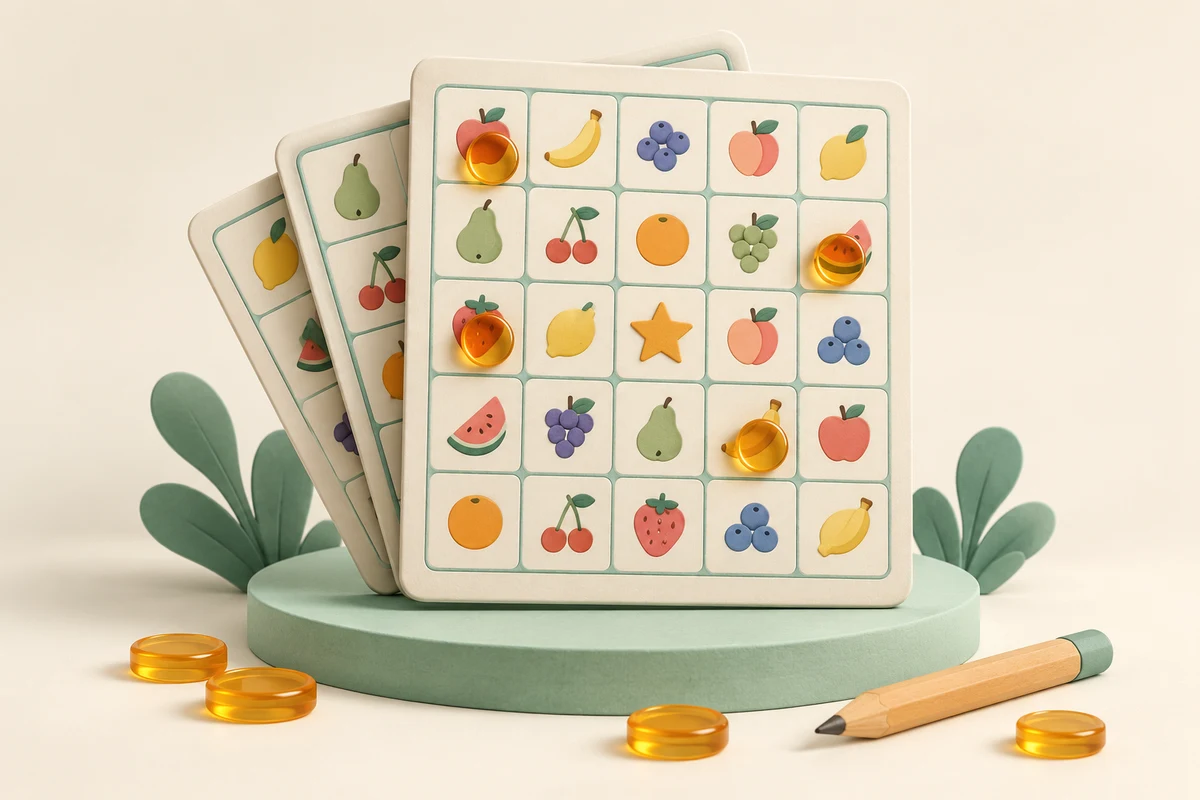
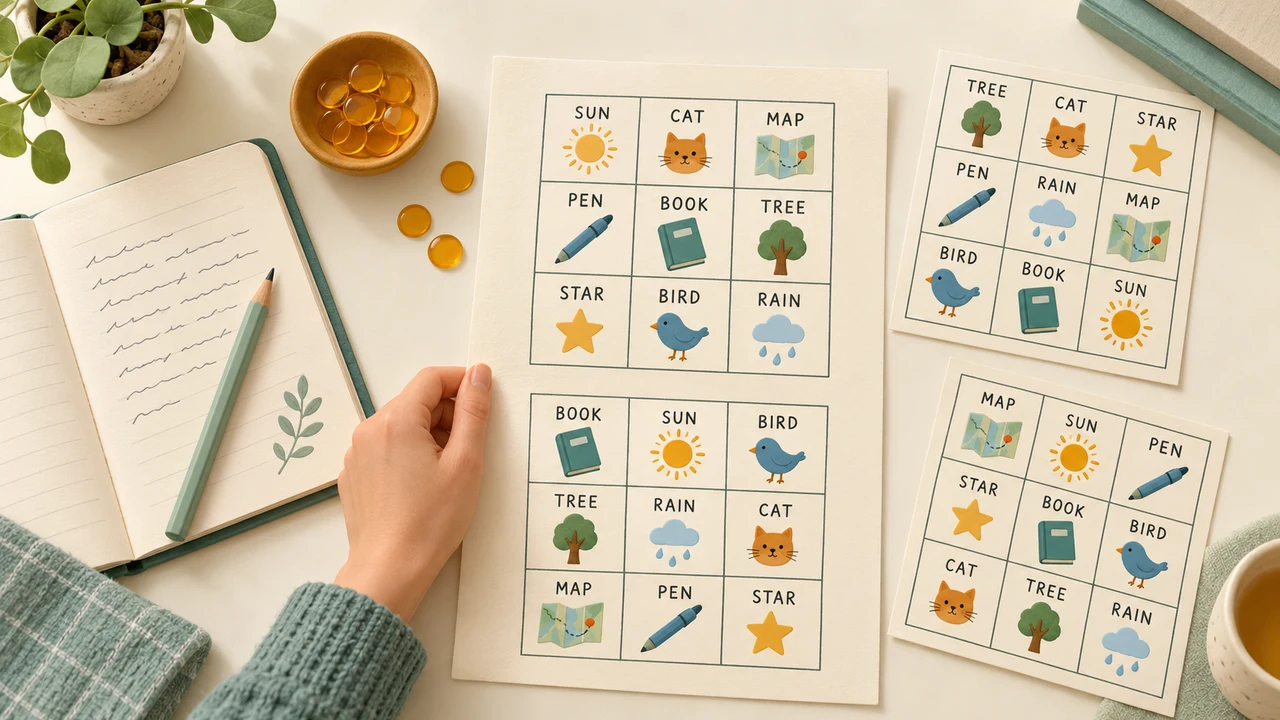
Start with the classroom sample or enter your own list. The caller uses the exact pool that made your cards.
Bingo Card Generator
Press Esc or use the exit button to return.
Your entries, cards and calls stay in this tab. Refreshing or leaving discards the game. No tool uploads or account required.
One prepared set, ready for everyone
Useful cards begin with a clear activity and a readable list.
Turn lesson material into printable play
A bingo card generator helps you turn material your players already know into an activity they can follow together. Use spelling words for a classroom review, familiar objects for a language lesson or short experiences for an icebreaker. The card is useful because players must notice and match an item, not just wait for their turn. Start with one coherent topic and agree on how each item will be called. This tool produces text and number cards; the illustrations on this page are examples of the activity, not downloadable picture-bingo templates.
Creating cards is only the first part of running a round. Once the printed set is ready, the built-in caller draws from exactly the same source list, without repeating an item until you undo or restart calls. Use the large current-call display for the room and the numbered preview to check a player’s claim. You can make the view fullscreen and enlarge it using the shared presentation controls. Keep the tab open while hosting so the cards and call history remain available together.
Prepare the pool once, check the layout and keep the same set during play.
01
Choose words or a number range
Enter one word or short phrase per line. Commas stay inside a phrase, so a prompt such as “red, white and blue” occupies one square. Blank lines are ignored, surrounding spaces are removed and case-insensitive duplicate entries are merged, keeping the first spelling. The input accepts up to 500 nonempty lines, 40 characters per entry and 30,000 characters overall. In number mode, both endpoints are included; use at most 500 integers within −10,000 to 10,000.
02
Match the grid to your players
Choose 3×3 for a shorter activity or larger writing, 4×4 for sixteen items without a middle square, or 5×5 for a longer round. A free center is available only on odd-sized grids and counts as marked from the beginning. Request between one and one hundred cards. The pool must contain at least eight, nine, sixteen, twenty-four or twenty-five distinct entries, depending on the grid and free-center setting. Add a short title that will identify the activity on paper.
03
Generate, review and print the complete set
Generate the cards and use the card-number selector to inspect different layouts. Choose one, two or four cards per printed page, then open the print dialog. The layout is prepared for A4 portrait; preview any scaling before using another paper size. Select Save as PDF in your browser if you want a file instead of paper. Printing always includes every card in the batch, with its number, and leaves ordinary squares unmarked even after calling has started.
A practical host’s toolkit
Keep the printed cards and the live caller working together.
Different arrangements, checked before release
Each card is sampled without replacement, so an entry appears at most once on that card. The generator checks complete layouts across the batch and rejects an exact duplicate arrangement. Cards can still share many words, especially with a small pool. Random choices use the browser’s cryptographic source, and the shuffle avoids biased remainder mapping. If a complete distinct batch cannot be created, you receive an error instead of a partial set. Different layouts do not guarantee a single winner.
A caller that follows your actual pool
After generation, the main button changes to Call next. Each click selects one remaining item from the original pool, and the call history records the sequence. Undo last call returns that item to the remaining pool. Restart calls clears the sequence while keeping the printed layouts, after confirmation. The caller stops when the pool is exhausted. Fullscreen mode keeps these same cards and controls alive; its Run again button advances the caller rather than generating a replacement set.
Visible line checking and reusable exports
Select a card number to highlight its called squares and count completed horizontal, vertical and diagonal lines. The free center counts automatically. A completed line receives an amber accent, while other marked cells stay mint. This checks the selected card against this tab’s call history; it does not monitor remote players. Download CSV to save all cards as card-number, row, column and value records. The export includes the entire batch, regardless of which card is visible, and neutralizes spreadsheet formula-leading text.
Example: a vocabulary review for thirty learners
Prepare a list that is larger than a single card.
01
Build a useful forty-word pool
Choose forty familiar words from the lesson and place one on each line. Set a 5×5 grid, keep the free center and generate thirty cards. Each card will contain twenty-four of the forty words in a different arrangement. Print two per page for fifteen pages, then cut and distribute them. Ask players to write their names beside the printed card number. Read through a sample before printing everything, especially if some entries contain long words or unfamiliar spelling.
02
Run the round and verify a claim
Explain that any complete row, column or diagonal wins this round. Call items slowly enough for everyone to find them. You can read the displayed word aloud, give its definition or ask for an example sentence before moving on. When a player calls bingo, select their card number and check the completed-line count. If you accidentally called an item too soon, use Undo last call and explain the correction to the room. Multiple players can complete lines on the same call; decide how to handle that before starting.
Make the activity easy to follow
A few hosting decisions matter more than adding more squares.
01
Choose the win rule before handing out cards
The on-screen checker recognizes full rows, full columns and the two diagonals. It does not automatically score four corners, letter shapes or other custom patterns. You may agree on a different rule and verify it manually from the marked preview. Avoid promising a unique full-card winner when the pool contains exactly the number of entries on every card: everyone has the same items, merely arranged differently, so all cards fill on the same final call.
02
Keep text short and print a test page
Brief labels make a card easier to scan from a desk. Four cards per sheet saves paper but also makes text smaller, so use one or two per page for longer phrases or young readers. The live grid wraps long entries; printed grids use compact text to fit the selected density. Check your browser’s preview and print one trial page before distributing a large batch. Turn off browser headers and footers if they crowd the paper margins.
03
Preserve the game you have already distributed
Editing the pool, title, grid, free-center setting or card count clears the generated game and its calls. Do those edits before handing out cards. Changing the selected preview or print density does not regenerate anything. New card set asks for confirmation because it replaces every layout; restarting calls only resets the caller. Data stays in this tab, without tool uploads or saved sessions. Reloading loses the live game, and a downloaded CSV is a record rather than a file this page can import again.
Bingo card generator questions
Words, printing, uniqueness and hosting explained.
How many words do I need for a custom bingo card?
A 5×5 card needs 24 distinct entries with a free center, or 25 without one. A 3×3 card needs eight or nine, and a 4×4 card needs sixteen. A larger pool adds variety between players. Duplicate lines are merged without regard to letter case, so pasting the same word repeatedly does not increase the available count.
Can I print the cards or save them as a PDF?
Yes. Generate a set, choose one, two or four cards per page and select Print / Save PDF. Your browser opens its print dialog; choose a printer or its Save as PDF destination. This is browser printing, not a separate PDF download service. Allow the print window if your browser blocks it.
Are all the bingo cards different?
Within a successful batch, every complete arrangement is different and each card contains no repeated entry. Cards are allowed to share individual words. This does not guarantee different winning times or prevent tied winners. Separate batches are independent, so an arrangement from an earlier batch is not remembered or excluded.
Can I make a 3×3 or 4×4 card instead of 5×5?
Yes, all three sizes are available. Only 3×3 and 5×5 have one exact middle square, so only those sizes offer a free center. Choosing 4×4 disables that option and requires sixteen entries. If you switch back to an odd size, check the free-center setting before generating the replacement set.
Does number mode follow the standard 75-ball column rules?
No. This page makes custom number cards from one inclusive range, with any selected value allowed in any cell. It does not reserve separate ranges for B, I, N, G and O columns. A range of 1 to 75 is therefore a custom game, not a regulation 75-ball card layout.
How does the bingo caller avoid repeats?
It draws only from items not yet in the current call history. Undo returns the last item to that pool; restarting calls makes the whole original pool available again. Both actions keep the generated cards. The caller includes every entry in the source pool, even an entry that happened not to appear on any card in a small batch.
Can I check a winner and display the caller in fullscreen?
Yes. Choose a card number to see marked squares and completed rows, columns or diagonals, then use Fullscreen display for a larger shared view. Run again calls the next item after cards exist. Participants still mark their own paper cards; this page does not create multiplayer rooms or synchronize separate devices.
Will my cards and calls still be here after refreshing?
No. The active game is kept in the current tab’s memory. Save a PDF or CSV before leaving if you need the card layouts later, and avoid refreshing during a live round. Exports do not restore a caller session. Resetting calls is the way to replay the same cards without leaving the page.