Start with two six-sided dice, switch to a d20 or try the three-die story prompt.
Online Dice Roller
Press Esc or use the exit button to return.
Dice settings and results stay in this tab. No tool uploads or saved session; export before refreshing or leaving.
From board-game turns to classroom prompts
Use numbers when you need a value, and words when you need an idea.
Roll one die or a mixed set
An online dice roller is useful when a board game is ready but the physical dice are missing, or when a whole class needs to see the same result. Start with two ordinary six-sided dice and read their sum, or give each die a different number of sides. A d4, d6, d8, d10, d12, d20 or d100 simply means an equal-chance choice from one through that many numbered faces. You can mix those dice in a single roll. The result shows each die separately so the total never hides which values produced it.
Replace numbered faces with your own short text when a random value is less useful than a prompt. One die could choose a character, another a setting and a third an action. Together they create a starting point for a story without writing the story for the learner. Use familiar vocabulary for speaking practice, movement instructions for a warm-up or discussion topics for a workshop. The story preset provides a working example that you can edit. Each nonempty line is one face, including repeated labels, so your list determines the possible outcomes.
Set up the faces, roll, then keep only what you want to preserve.
01
Choose a starting set
Use the two-dice preset for a familiar total, the d20 preset for one value from one to twenty, or Story dice for three separate text lists. You can add and remove dice until the set contains between one and twelve. Give each die a short, useful name so you can distinguish results in the display and exported records. Presets replace the current setup and clear its results, holds and history, so save a record before switching to a different activity.
02
Set the sides or write custom faces
A numbered die accepts an integer from two to one hundred and labels its faces from one to that number. A custom die accepts two to one hundred nonempty lines, each up to forty characters, within five thousand characters per die. Surrounding spaces and blank lines are removed. Commas stay inside a line. Repeated labels are kept as separate faces: entering “read” twice and “write” once creates three equally likely faces, with “read” appearing on two of them.
03
Roll and selectively reroll
Press Roll unheld dice to watch a brief tumble before the dice settle on the result. Held dice stay still, and only the final values enter the history. If your device requests reduced motion, results appear immediately. After the first roll, press Hold beneath any die you want to keep. The button changes to Held; press it again to release that die. Subsequent rolls change only the unheld dice and retain the exact face of every held die. If all dice are held, the roll button is disabled until you release one. Clear results removes the output, holds and history while keeping the current dice setup.
Readable results with useful controls
Make each action easy to explain to the people watching.
Equal chances for each face
Each unheld die selects one face independently using the browser’s cryptographic random source with rejection sampling to avoid modulo bias. Every face position has the same chance; distinct text labels only have equal chances when they occupy the same number of faces. The system does not force variety or avoid a value that appeared earlier. Rolling six twice in a row is a possible outcome, not an error. If secure randomness is unavailable, the tool reports an error and preserves the previous complete result.
Totals that reflect the type of dice
When every die is numbered, the displayed total adds all current values, including held values. A mixed set containing even one custom text die does not show a numerical total. This remains true if that text list happens to contain digits, because its entries are treated as labels rather than amounts. Each result also shows its selected face position and total number of sides. That distinction helps when several custom faces have the same visible wording.
Recent rounds you can inspect and export
The history keeps the latest fifty successful rounds, newest first on screen. Every round records all displayed dice, including held ones, and marks values that were kept rather than rerolled. Copy current results includes the present values and a total when applicable. Download CSV includes every retained round, oldest first, with die name, face position, sides, value, held status and total. Older rounds drop out once the fifty-round limit is reached, so export before they are replaced if you need them.
Two classroom activities to try
Keep the setup small enough that everyone can explain the result.
01
Explore the sum of two dice
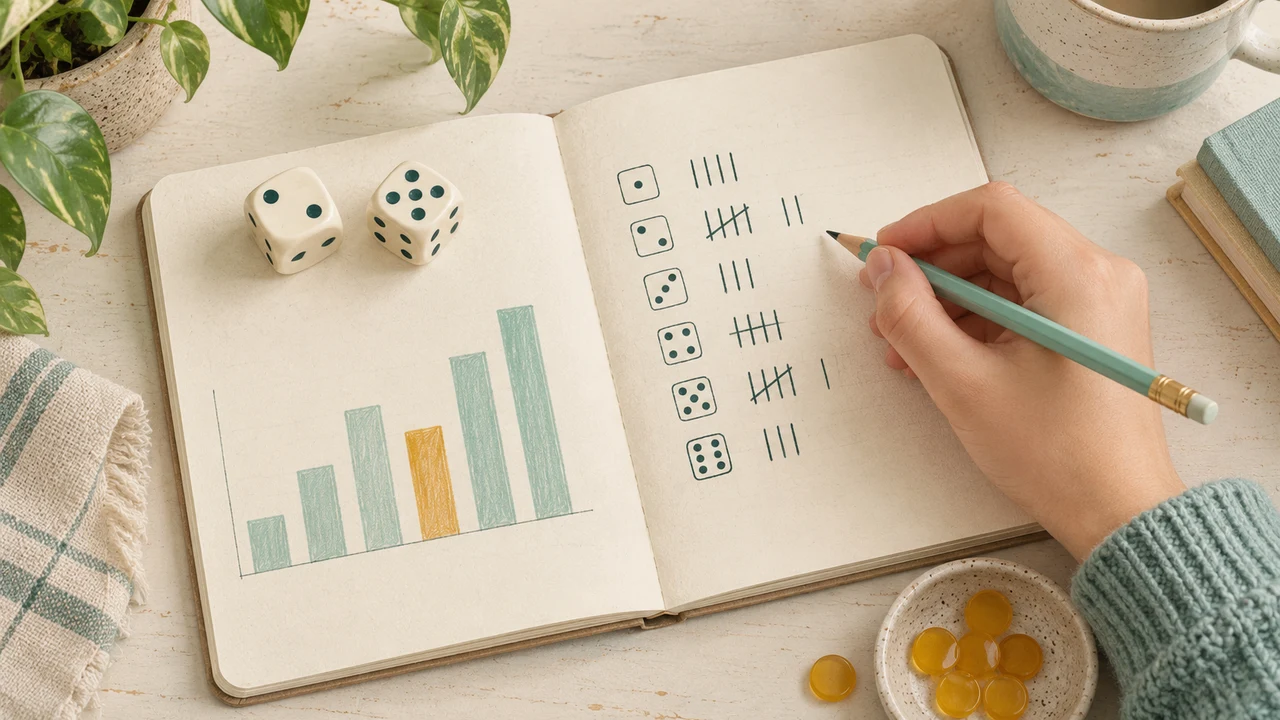
Start with two six-sided numbered dice and leave both unheld. Ask learners to list the possible ways to make seven, then compare that list with the ways to make two. Two fair six-sided dice have thirty-six equally likely ordered face pairs; six pairs total seven and only one totals two. Roll several times and record the totals. A small sample will not exactly match the theoretical frequencies. Holding a die changes the experiment, so release all holds before comparing fresh two-dice rolls.
02
Build a story without replacing every idea
Choose the story preset and roll once to get a character, a place and an action. Ask learners to connect all three ideas in one sentence. If they like the character but want a different situation, hold the character die and roll the other two again. The held character stays exactly as shown. Invite a second learner to extend the scene using the new combination. This demonstrates what selective rerolling does while giving the class an immediate reason to use it.
Prepare for a smooth session
Clear names and a shared rule make random results useful.
01
Use fullscreen when everyone needs to see
Enter Fullscreen display to enlarge the live result area and hide the settings by default. The presentation toolbar can reveal settings again or change the display size. Run again uses the same roll action, so held dice remain held. Exit fullscreen to return to the ordinary page without losing the round. For a projector, start with a small set and short face labels; twelve long-text dice will naturally need more scrolling than two numbered dice.
02
Agree on what a reroll means
For a board game, decide which dice may be held and when players may reroll before anyone sees the outcome. This tool provides the controls but does not enforce a particular game’s turn order, scoring, advantage rules or reroll allowance. If you are collecting a probability sample, use fresh unheld rolls consistently and keep that method alongside the exported data. A history row with held values represents a partial reroll, not a completely new independent draw of every die.
03
Save useful output before changing the setup
Changing a die’s name, face type, face count or list clears all current results, holds and recent history. Adding or removing a die has the same effect. This prevents old outcomes from being mistaken for rolls of the new setup. All processing stays in this browser tab, without tool uploads, saved accounts or persistent sessions. Refreshing loses the setup and results. CSV preserves outcomes for reference, but the page does not import those files or recreate a past random sequence.
Dice rolling questions
Custom faces, repeats, holds and records explained.
Can I roll a d20, d100 or several different dice together?
Yes. Numbered dice can have any whole-number side count from two to one hundred, and each die may use a different count. A d20 returns one through twenty; a d100 returns one through one hundred. You can roll up to twelve dice together. Dice notation such as 2d6+3 is not parsed; configure two six-sided dice and apply any modifier yourself.
How do I make a custom die with words or emojis?
Choose Custom text for a die and put one label on each line. Words, short phrases, digits and emojis are accepted as text, with two to one hundred nonempty faces and a forty-character limit per face. The page does not upload face images. Keep labels brief for comfortable reading, particularly on a phone or shared screen.
Can I keep some dice and reroll the others?
Yes. Roll once, then select Hold under each result you want to preserve. The next roll changes only the remaining dice. Select Held to release a value. If everything is held, release at least one die before rolling again. Clearing results or changing the setup removes all holds.
Is the dice roller fair, and why do values repeat?
Every face on an unheld die has the same selection probability. Different rolls are independent, so repeats and short streaks are expected possibilities. The tool does not adjust results to make them look evenly distributed. A local browser result is not a third-party certified draw or a remotely verifiable game record.
Do duplicate custom labels change the odds?
Yes. Each line is a separate face, even when the label repeats. For example, two lines saying “read” and one saying “write” give the word “read” a two-in-three chance. Remove repeated lines when you want each distinct label equally likely. Blank lines are ignored and do not create empty faces.
Why is there no total for my custom dice?
Totals appear only when every die uses numbered mode. Custom entries are labels, even if they look like numbers, so mixed or entirely custom sets do not receive a sum. For an ordinary numerical total, switch each die to numbered mode. Held numeric values are included in the total of an all-numbered set.
Can I copy results or download the roll history?
Yes. Copy current results saves the visible values, while CSV downloads the latest fifty successful rounds retained in this tab. The file records held values separately from freshly rolled values and orders rounds from oldest to newest. Formula-leading text is escaped for spreadsheet safety. Editing the setup or clearing results removes the retained history.
Can I use fullscreen, and will the game survive a refresh?
Fullscreen preserves the current live setup, results and holds, and Run again rolls the unheld dice. Leaving fullscreen also keeps them. Refreshing or closing the page does not: there is no persistent save or synchronized multiplayer room. Export needed results before leaving and keep the same tab open during your activity.