
A virtual deck for shared activities

Random playing card generatorwith a deck you control

Draw a card or a complete hand. Keep drawn cards out of the deck, or return each card for independent trials. Filter suits and ranks, add jokers and show readable results in fullscreen.

Free · No account · Clear remaining-card count

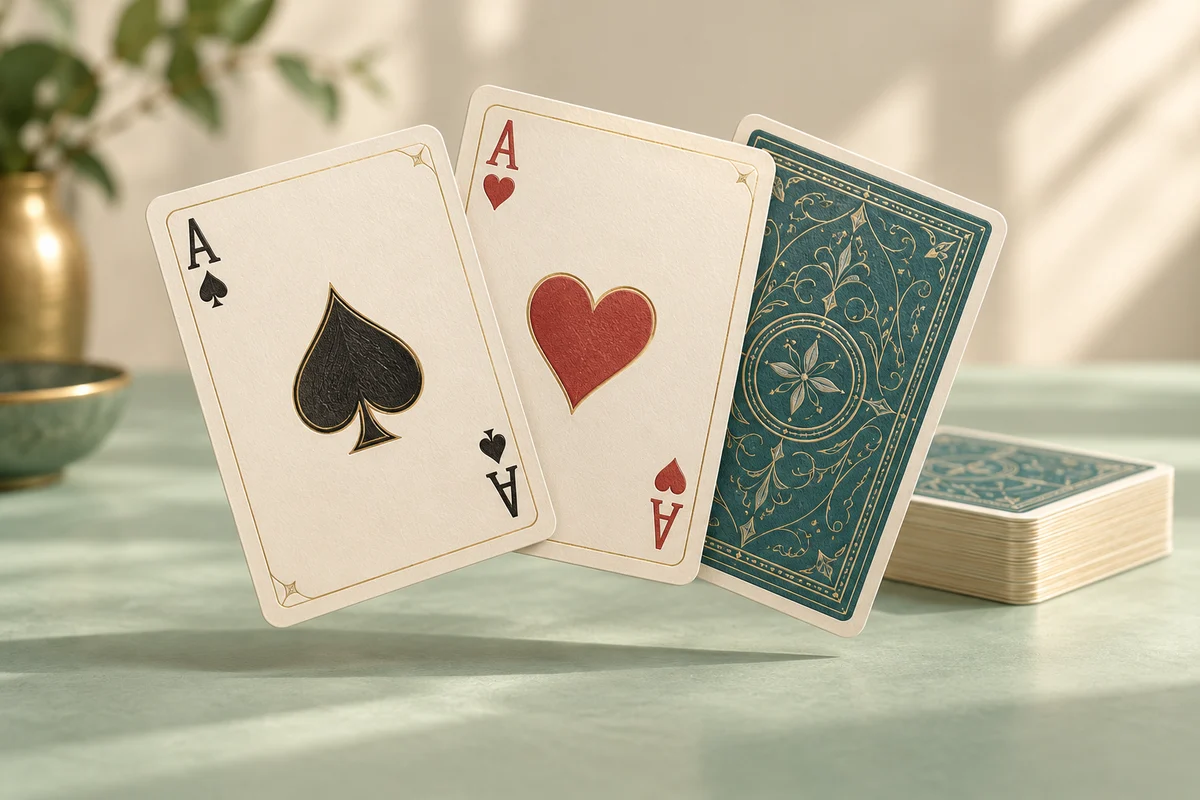
An ace of spades, an ace of hearts and a teal-backed card fanned above a neat deck

Choose the deck and draw your next cards

The default is one standard 52-card deck without jokers. Drawn cards stay out until you undo the draw or reset the deck.

Deck settings

Eligible suits
Eligible ranks

Adds one red and one black joker independently of the suit and rank filters.

Draws share one remaining deck. A card stays out until its draw is undone or the deck is reset.

Changing the deck or drawing rule clears results and recent records after confirmation. Changing batch size keeps the session.

Eligible deck: 52 cards

Cards left: 52 · Drawn in this session: 0

Choose the deck and drawing rule, then draw.

Your latest batch will appear here. Each card has a written name as well as a visual face.

Runs in the current page without an account. Refreshing clears the deck and records; no multiplayer synchronization.

One familiar deck, several useful activities

Use card identities for practice, probability or a simple shared choice.

Make card selection visible to the room

A physical deck is convenient until the pack is missing or the people watching cannot see the table. This tool displays each drawn card with a readable rank, suit and written name. Use it for a classroom demonstration, a tabletop prompt or deciding who begins an activity. The card artwork provides a familiar appearance, while the actual ranks and suits come from the selected deck. No game rules are applied automatically, so decide what an ace, face card or joker means before drawing.

Two learners recording a drawn playing card beside separate draw and used-card piles during a probability activity

Use a smaller deck for a clearer experiment

Choose the suits and ranks that belong in your activity. Keeping hearts and spades with only aces, kings and queens produces six eligible cards, which is easier to track than a full pack. Filters apply together: an ordinary card must match both a selected suit and a selected rank. Jokers are added independently when enabled. A filtered deck changes the sample space, so review the displayed pool size before asking students to predict a result or compare repeated draws.

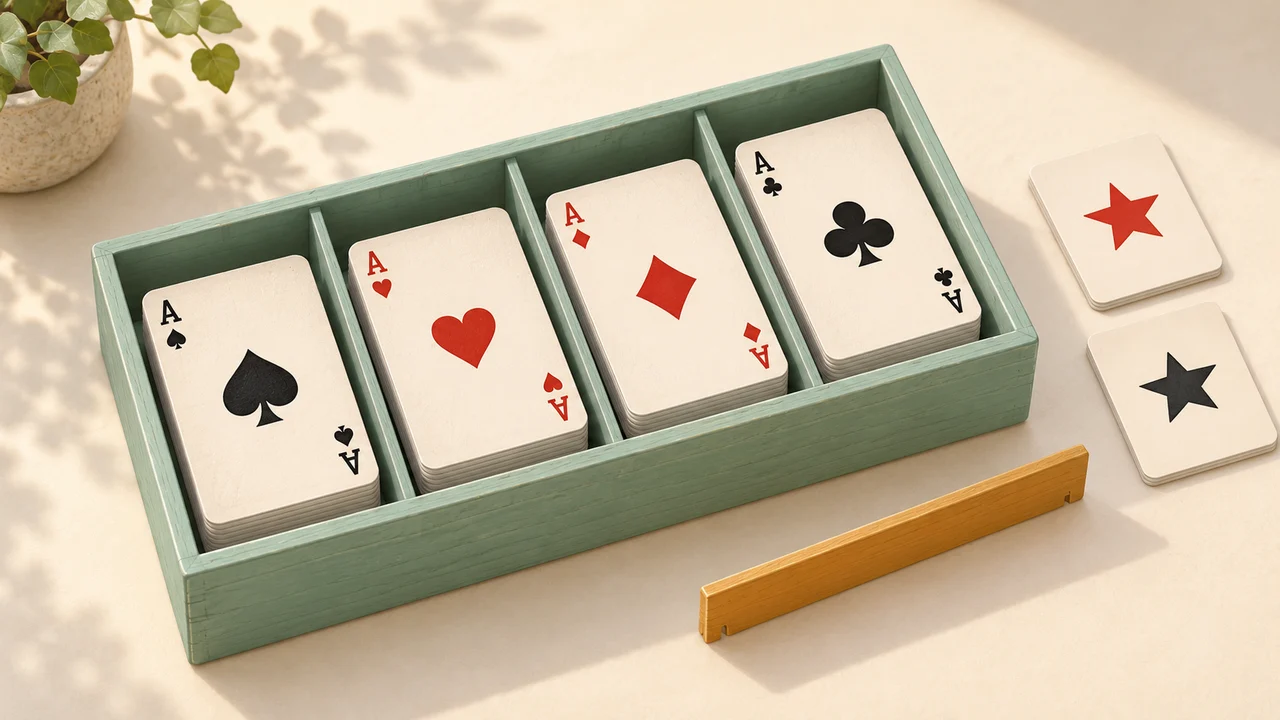
Four small playing-card groups sorted by suit in a mint card organizer with two separate joker markers

Start with the right drawing rule

The difference between returning a card and keeping it out matters more than the size of the hand.

  1. 01

    Choose which cards are eligible

    Start with the standard deck, or uncheck suits and ranks to create a smaller pool. Four suits and thirteen ranks produce fifty-two unique ordinary cards. Enabling jokers adds one red and one black joker, giving fifty-four cards with the full ordinary deck. There must be at least one eligible card. You can also leave no ordinary cards selected and enable the two jokers for a joker-only pool. Changes after a draw ask before clearing the current session.

  2. 02

    Set replacement and the batch size

    Without replacement, each drawn identity is removed from the current deck across successive batches. With replacement, every card is returned immediately after selection, so the same card can appear twice even in one batch. Choose one to fifty-four cards per click. A request larger than the remaining deck is blocked in the no-replacement mode; the tool does not silently shorten the hand or refill the deck. Changing the batch size alone keeps the session intact.

  3. 03

    Draw, review and keep a record

    Press Draw cards to reveal the next batch. Check the remaining count and recent draw list before continuing. Fullscreen enlarges the same tool for an audience; it does not start a second deck. Copy the current batch as written card names or download recent draws as CSV. Undo removes the most recent retained batch and restores its consumed cards when applicable. Reset returns all eligible cards and clears the displayed results and recent records.

A deck state you can understand

The visible counts explain what the next click can select.

Continuous draws from one deck

In no-replacement mode, a card drawn in an earlier batch cannot appear again until it is restored by undo or a reset. Drawing five cards from the default deck leaves forty-seven. Drawing another five leaves forty-two, with ten distinct identities selected overall. The displayed latest batch is only the most recent hand; earlier draws remain in the recent list and continue to count as removed even if an old list entry falls outside the history limit.

Undo and reset have different effects

Undo reverses one retained batch, reduces the drawn total and restores the previous visible batch when it is still in the recent list. It does not rewind a predetermined future order: each next selection uses fresh randomness. Reset starts a new session using the same suit, rank and replacement choices. It returns every eligible card and clears the results. Use the standard-deck button when you also want to restore all suits and ranks and turn jokers and replacement off.

Readable results and useful exports

Every card has a written name as well as its visual rank and suit, so colour alone is not required to identify it. The copy button exports only the current batch, one name per line. CSV includes the latest fifty retained batches in chronological order with batch number, position, localized card name and stable card identifier. It does not include a hidden future shuffle or a record of undone batches. Download records before resetting or changing the deck configuration.

Example: compare drawing with and without replacement

Keep the starting deck the same when comparing two procedures.

  1. 01

    Use four aces as a small sample space

    Select all four suits and leave only the ace rank checked. Keep jokers off and draw one card without replacement. If the first result is the ace of hearts, three cards remain and the next draw cannot be the ace of hearts. Students can list the remaining identities without needing to inspect a full pack. Draw the other three together to see that the complete set contains each suit once, then reset for another trial.

  2. 02

    Return cards for independent trials

    Switch to replacement mode, confirming that the existing session will be cleared. With the same four aces eligible, each selection again has four possibilities. A batch can contain the ace of hearts more than once because the selected card returns before the next selection. This is useful for comparing independent trials with draws from a shrinking pool. Repeated outcomes are expected possibilities here, not evidence that the button failed or the deck contains duplicate physical cards.

  3. 03

    Record observations without promising a pattern

    Collect several batches and export the recent list if students need to count suits or compare outcomes. With all four aces eligible, each suit has one of four available identities on an independent draw. A short run does not have to contain equal counts of every suit, and a missing suit is not guaranteed to appear next. Predictions should follow the chosen pool and replacement rule rather than assuming a random sequence will balance itself immediately.

Plan the activity around clear card meanings

The tool selects cards; you supply the classroom or game convention.

  1. 01

    Agree on ranks and joker rules first

    Some activities treat an ace as one, others as high, and many games use different values for J, Q and K. This page displays ranks without adding totals, comparing hands or naming a winner. The red and black jokers are separate identities, but no wild-card effect is assigned. For deciding a starting player, explain ties and suit order before the draw. For a learning task, write the meaning of each selected rank somewhere everyone can see.

  2. 02

    Keep the display and session together

    Use a projector, connected screen or normal meeting screen share to show the fullscreen tool. Other participants do not automatically receive private hands, and another phone cannot control this deck remotely. All revealed cards are visible on the shared display. A refreshed page or a separate language page starts a fresh session, so keep the original tab open while the activity continues. Browser memory holds the state; there is no saved account or cloud table.

  3. 03

    Choose a manageable batch and save deliberately

    A large batch is useful for inspecting the whole deck, but a single card or a small hand is easier to read from a distance. The tool allows fifty-four selections in one batch even with a smaller pool when replacement is on. The recent record and undo stack retain at most fifty batches, while older draws still count toward the session total and, without replacement, remain out of the deck. If you need a long experiment record, export regularly rather than assuming the page is a permanent log.

Random playing card questions

Understand repeats, jokers, remaining cards and saved results.

Can the same card appear twice?

Without replacement, a card identity cannot repeat across draws in the same session unless you undo its draw or reset. With replacement, the selected card returns immediately, so duplicates can occur within a batch and across batches. The tool uses one configurable deck, not several combined decks.

Does the deck include jokers?

Jokers are off by default. Enable them to add one red and one black joker independently of the suit and rank filters. A full ordinary deck plus those two cards contains fifty-four identities. You can also create a two-joker pool by deselecting ordinary suits or ranks while keeping jokers enabled.

Can I draw only certain suits or face cards?

Yes. Uncheck any suits or ranks you do not want. To use face cards only, keep J, Q and K checked and remove the other ranks. An ordinary card must match both filters. This version does not offer custom card text, multiple decks, weights or separate exclusions for individual suit-and-rank combinations.

What happens when there are not enough cards left?

In no-replacement mode, drawing more than the remaining count is blocked. Reduce the requested batch, undo a recent draw or reset the deck. No partial hand is returned and no cards are refilled automatically. With replacement, the eligible pool remains available for every selection.

Does undo put the exact cards back?

Yes. Undo removes the latest retained batch from the recent list and, without replacement, restores those exact card identities. The next draw is newly randomized, so it need not match the batch you undid. Up to fifty recent batches can be undone; older draws still affect the current deck when applicable.

How are the cards randomized?

Each selection uses the browser’s secure random source and an unbiased integer selection method. Without replacement, the chosen card is removed before the next selection; with replacement, it remains eligible. Short sequences may look patterned, and shuffling does not promise evenly distributed suits in every hand. If the random source fails, the batch is not applied.

Can I show the cards in fullscreen and save them?

Yes. Fullscreen presents the current session on your device. Copy exports the current batch as text, and CSV exports the latest fifty retained batches. The tool does not export a card-image file, deal private multiplayer hands or synchronize another device. Your usual screen-sharing connection can show the same display to others.

Will the deck survive a refresh or a settings change?

Refreshing, closing the tab or opening a different language page starts fresh. Changing suits, ranks, jokers or replacement mode asks before clearing a session with draws. Changing only the batch size keeps it. No account is needed, and the tool does not upload a card history or save a cloud session.

Random playing card generator

Choose the deck, then let the next card decide

Set the eligible cards and replacement rule before starting your activity.

  • Free to use
  • No signup
  • Runs in your browser

A simple path to your next activity

  1. Choose the cards

    Select suits, ranks and optional jokers.

  2. Set the draw rule

    Keep cards out or return each selection.

  3. Draw and review

    Show the result and check the remaining deck.

Small hands are easier to present; export records before resetting.