

Mix experience across your teams

Balanced Team GeneratorUse ratings. See the difference.

Enter a common skill rating for each participant, choose team sizes, and compare the resulting totals and averages. Generate another option when you need an alternative.

Size rules first · Visible score metrics · Local processing

A level teal balance scale with three clay figures on each pan, each team mixing one-dot, two-dot and three-dot badges

Who is taking part, and how will you rate them?

The six-person sample uses one shared rating scale. Replace it with your own names and scores.

Members and skill ratings

One row: Name | Rating. Tabs or the final comma also work. 2–120 people, 120 characters per name, 30,000 input characters total.

Ratings: 0–100, at most one decimal place. Leave all blank for random teams; partial ratings must be completed. Use one common scale.

Matching names stay separate; add an identifier. Any edit stops calculation and clears old results.

6
Members
2
Teams
3–3
Team sizes

Use 2–20 nonempty teams. Otherwise sizes differ by at most one; a maximum size is a ceiling, not an exact target.

The six-person rating example is ready.

Teams and balance metrics

Your teams and rating metrics will appear here.

Names and ratings stay in this page and a local browser worker. They are not uploaded or saved. Copy results before leaving.

Team size and team strength are different goals

Keep the headcounts clear while comparing the ratings.

Spread experience across the activity

A balanced team generator uses the ratings you provide to look for teams with similar combined scores. It is useful when completely random assignment could concentrate experienced participants on one side. Decide what the rating measures for this activity, such as current familiarity with a training exercise, and apply the same scale to everyone. A number is a limited planning input, not a prediction of a person’s value or a guarantee of the next match result.

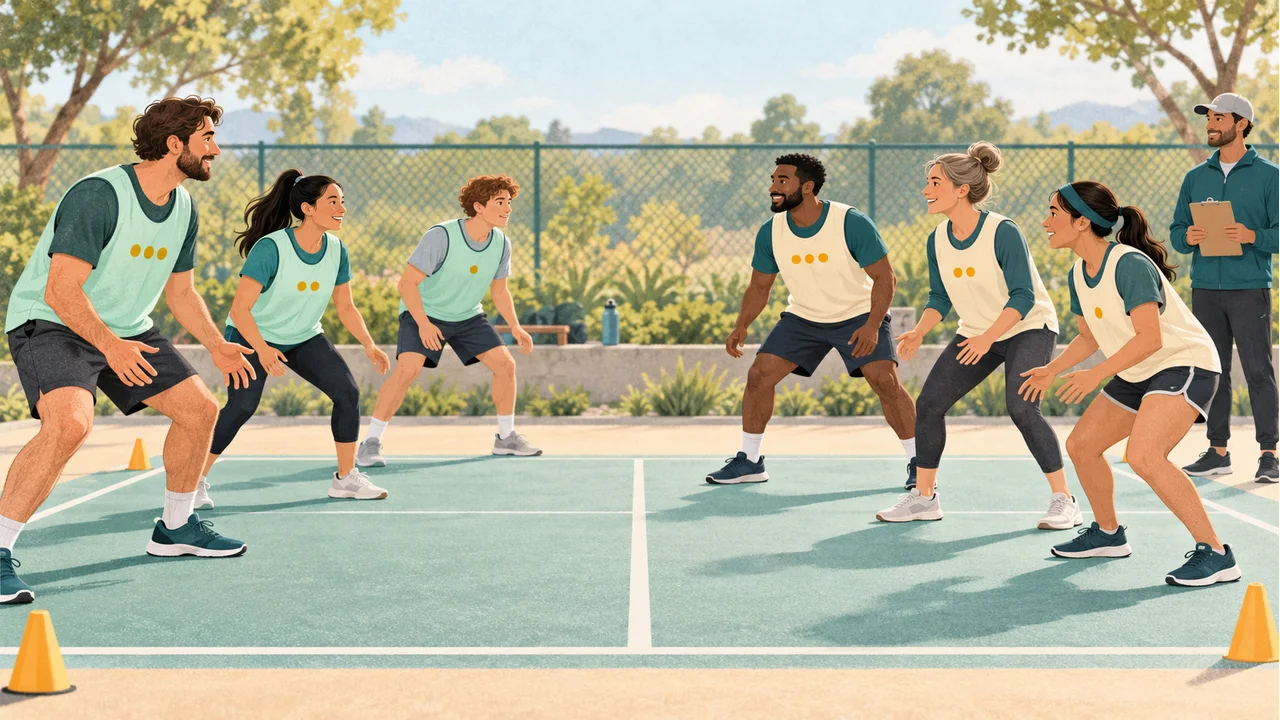
Two three-person practice teams face each other on a court, with different experience-dot badges represented on both teams

Review the numbers behind the assignment

Each result displays team headcount, total rating, and average rating. The summary shows the largest total minus the smallest total, plus a squared-deviation score used by the search. Lower deviation means the team totals sit closer to their common target. If headcounts differ, read the averages too: a larger team may have a higher total even when its typical member has a lower rating. Use those measurements to review the output against your actual activity.

A hand adjusts portrait tiles with mixed experience badges on a planning board above two nearly equal comparison bars

How to make skill-balanced teams

Prepare comparable data, set the sizes, and review the result.

  1. 01

    Use one rating scale for everyone

    Enter one person per line, followed by a pipe, tab, or final comma and a rating. Alex | 9 is a valid row. Ratings range from zero to one hundred, with at most one decimal place and a period as the decimal separator. Use short names or identifiers of up to one hundred twenty characters. The roster accepts two to one hundred twenty participants and at most thirty thousand input characters. Blank lines are ignored; matching names remain separate entries.

  2. 02

    Choose team count or maximum size

    Select how many teams to create, or set a maximum number of people per team. In the maximum-size mode, the tool calculates the team count by rounding the roster size divided by that maximum upward, then spreads people as evenly as possible. It supports two to twenty nonempty teams. Require equal team sizes blocks a roster that cannot be divided equally among the calculated teams. It does not drop people or secretly change the selected rule.

  3. 03

    Generate and compare an alternative

    Press Generate balanced teams and wait for the local search to finish. Progress and a cancel control are available; editing inputs also stops the calculation and clears old output. Review the score summary, copy all teams, or download the CSV. Generate another option runs a new search with randomized candidate orders. An equally good result may repeat, especially when only a few assignments meet the size and rating goals.

Hard size rules, a measured balance goal

The tool reports what it can calculate from your data.

Every participant has one place

The size plan assigns each entry to exactly one team and keeps headcounts within one person unless equal sizes are required. No substitutes or empty teams are created. With ten participants and three teams, the capacities are four, three, and three. Equal-size mode rejects that setup rather than silently excluding a participant to make the arithmetic convenient.

A bounded search for similar totals

With complete ratings, the tool builds twenty-four candidate assignments, uses capacity-aware placement, and tries up to twelve improving member swaps per candidate. It retains the candidate with the lowest sum of squared deviations from the mean team total. This heuristic has a fixed work limit. It does not enumerate every partition, certify the global optimum, or give all possible team assignments equal probability.

Missing data is explicit

If every rating is blank, the tool creates random teams with the requested sizes and clearly reports that skill balance was not evaluated. If only some ratings are missing, it stops and identifies a row to complete. Missing values are never silently filled with zero or the average. A typed zero is a real rating and participates in the calculations like any other valid value.

Example: six people in two teams

A possible result makes the balance metric concrete.

  1. 01

    Read the roster and total

    Give Alex nine points, Blair eight, Casey seven, Devon six, Emery five, and Finley four. The combined score is thirty-nine. Two teams of three would ideally total nineteen and a half each, but these particular integer ratings cannot make that exact target. One possible assignment is Alex, Devon, and Emery against Blair, Casey, and Finley.

  2. 02

    Interpret a close result

    Those teams total twenty and nineteen. Their average ratings are about 6.67 and 6.33, and the total-score gap is one point. The squared-deviation score is 0.5: each team is half a point from the target, so 0.5 squared plus 0.5 squared equals 0.5. The team membership may differ on your run, but every displayed total must be calculated from the members actually listed.

Use the ratings thoughtfully

A helpful split starts with an honest description of the activity.

  1. 01

    A recreational practice or workshop

    Agree on a simple scale before entering the roster. For a workshop, the score might describe experience with the specific material rather than general seniority. For practice teams, it might reflect recent performance in that activity. Recheck ratings when the task changes. The tool optimizes a single numeric dimension, so teamwork, accessibility needs, position coverage, and personal preferences still require human review.

  2. 02

    Uneven sizes need another look

    When the roster does not divide evenly, size rules remain mandatory and total-score similarity is the optimization goal. This can put stronger individual ratings into a smaller team. Compare the averages and consider whether the activity depends more on total strength or average strength. The tool does not automatically switch objectives, equalize category labels, separate captains, or enforce must-together and must-apart constraints.

  3. 03

    Choose another tool for a different goal

    If you do not want to collect ratings, Random Group Generator provides a simpler size-based shuffle. Random Pair Generator suits a single partner round. This page creates one rated assignment at a time, without past-teammate history or a multi-round rotation. Inputs and results stay in the active browser page and worker memory; they are not uploaded or saved locally. Copy your result before refreshing or navigating away.

Balanced team questions

Understand the metric, missing scores, and limits.

How does the balanced team generator use skill ratings?

It keeps the planned team capacities, tries twenty-four candidate assignments, and improves them with a bounded swap search. The objective is to reduce the sum of squared differences between each team total and the mean team total. It reports actual totals, averages, and the total-score gap. This is a practical heuristic, with no guarantee that it finds the best mathematically possible partition.

Will the teams always have the same number of people?

Only when the roster divides evenly or you require equal sizes and the setup is valid. Otherwise headcounts differ by at most one. Ten people in three teams gives four, three, and three. Equal-size mode rejects that case. Maximum team size is a ceiling; ten people with a maximum of four produces three teams, with sizes four, three, and three.

Can I create teams without entering every skill rating?

You can leave every rating blank for size-based random assignment, clearly labeled as not skill-evaluated. If at least one person has a score, every person needs a score. Complete the missing rows or remove all scores before generating. The tool will not guess a missing value, because a guess could materially change the team comparison.

Can I use zero or decimal ratings?

Yes. Zero is a real score, and values up to one hundred may use one decimal place, such as 7.5. Negative scores, NaN, Infinity, scientific notation, and extra fractional digits are rejected. Every participant should use the same scale. Mixing a five-point scale for some people with a hundred-point scale for others makes the resulting totals hard to interpret.

Why are the total scores still different?

Some rosters cannot reach identical totals under the size rules. The search is also bounded and may stop at a good candidate while a better partition exists. A nonzero gap is displayed instead of being hidden. With unequal headcounts, identical totals may require different average ratings, so review both measures rather than treating one number as a complete definition of fairness.

Will generating again always give different teams?

No. Candidate order and tie choices use browser randomness, but the same roster may lead to the same strong candidate again. A small roster may have very few good partitions. There is no history-based teammate avoidance, and skill optimization means assignments are not sampled uniformly from every possible grouping. Keep the option you want before generating another.

Can I balance roles or force two people apart?

This version accepts one numeric rating per person and the displayed size rules. It does not accept category tags, role quotas, fixed captains, or relationship constraints. Do not enter a role name as a score or assume a personal requirement is enforced. Review the assignment yourself when the activity needs those additional conditions.

Are names and ratings saved or uploaded?

No. The roster is processed in the active page and a local browser worker. It is not sent to a server or saved in browser storage. The copied text and downloaded CSV are the records you choose to keep. Refreshing, closing, or leaving the page discards the current roster and result. Site page analytics do not include these tool inputs.

Balanced Team Generator

Give each team a useful mix of experience

Enter comparable ratings and choose the size rules.

Review the actual team metrics, then copy the assignment.

  • Free to use
  • No signup
  • Runs in your browser

A simple path to your next activity

  1. Rate the roster

    Use one scale for this activity.

  2. Set the sizes

    Choose team count or a maximum size.

  3. Compare the output

    Read totals and averages before sharing.

Balance is measured by the supplied ratings. The search does not certify an optimal split.